 CncCraft
Set level and upright New in CncCraft
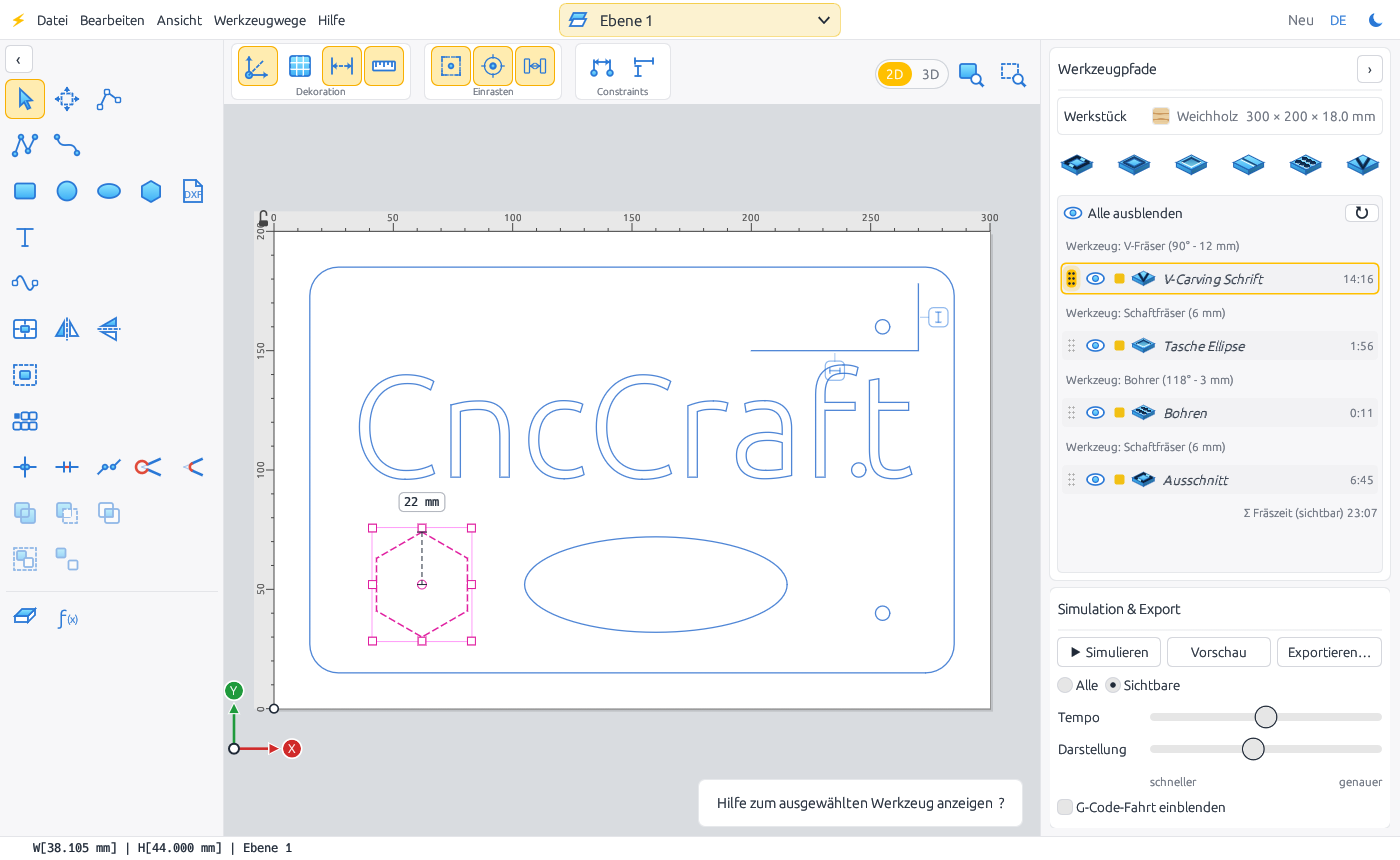
With one click a line stays level or upright – even when you drag the nodes.
The Level/upright button in the “Constraints” group (key H) turns on the mode.
How to use it
- Click a line (a side of a shape or a segment of a polyline): CncCraft sets it level or upright, whichever the line is closer to. On a tie it becomes level.
- Or click two points one after another, from two different shapes as well.
H or Esc ends the mode.
What happens then
- On a polyline the second node gives way: it is set to the row or column of the first.
- Between two shapes the shape of the second point only moves sideways.
- Sides of rectangles and ellipses already lie that way; two points of the same shape that do not already lie so are rejected (“only works on the nodes of a vector”).
- The board is always the reference, never the second point.
The constraint appears as a small blue symbol beside the line (red if it cannot be met). Click it and press Del – or right-click it – to delete it; the line then stays as it is.