Everything about designing, generating toolpaths and output for your CNC router – from the first drawing to the finished G-code file.
Get to know the program, set up a job and find your way around the design view.
All 13 topics →Draw, edit and align shapes and combine them with boolean operations.
Variables, formulas and constraints: dimensions that change with the drawing.
Profile, cut-out, pocket, drilling, V-carving – compute, preview, output.
Scripts and the built-in server: drive CncCraft step by step – great for short videos for TikTok and the like (pilot feature).
All 1 topics →These features CncCraft adds to what the Spark template can do:
Free, right in the browser and with no install – from the same workshop as CncCraft.
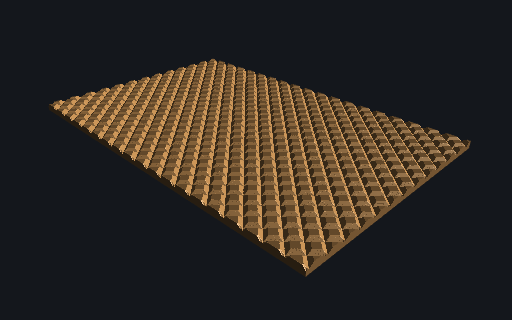
Pick a pattern, turn the sliders and see the workpiece in 3D at once. PatternMaster works out the toolpaths for you.
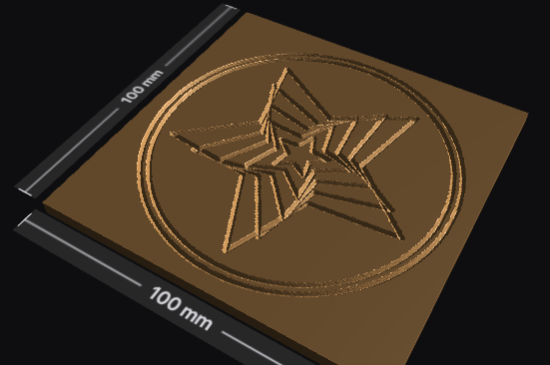
Hold a drawing or photo up to the camera, pick a few filters and download the G-code for GRBL or Marlin.
 CncCraft