 CncCraft
Pocket toolpath
The pocket clears an area inside a closed contour down to a depth.
Select closed vectors and click Pocket toolpath. Besides the general fields (Tools and cutting values) you choose the clearing strategy:
| Strategy | How the cutter clears |
|---|---|
| Offset | In rings that follow the contour, from the inside out. Between neighbouring rings the cutter stays down. |
| Raster | Back and forth in straight parallel passes, then one lap along the wall. The raster angle (in degrees) sets the direction. |
| Spiral | One continuous spiral from the inside out: no fresh start, each lap flows smoothly into the next. |
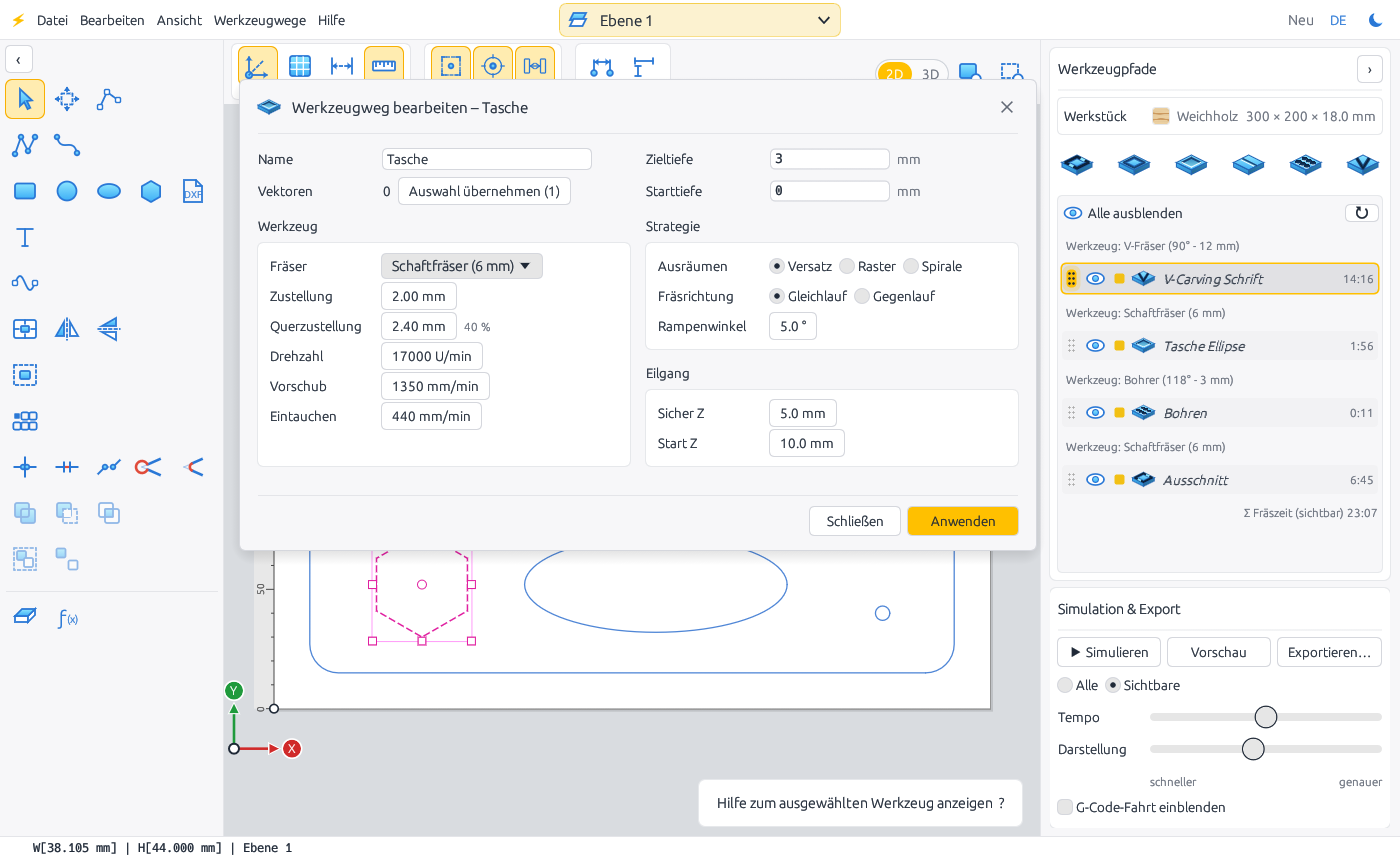
As with the profile there is the cut direction climb or conventional.
The distance between neighbouring passes is the stepover; depth and stepdown set the number of levels cleared one after another.