 CncCraft
V-carving toolpath
In V-carving a V-bit carves lettering and shapes; the wider the line, the deeper it goes.
Select closed vectors – a piece of text, for example – and click V-carving toolpath. The tool is a V-bit; its tip angle and diameter determine the result.
The depth at a point comes from its distance to the edge of the shape, divided by the tangent of half the tip angle. So in wide areas the cutter plunges deeper than in narrow ones.
| Field | Meaning |
|---|---|
| Cut depth | The greatest depth the path may reach at all. |
| Depth limit | Limits how deep the tip goes in wide areas (in mm). 0 means: limited only by the cutter diameter. |
| Stepover | Distance between passes. |
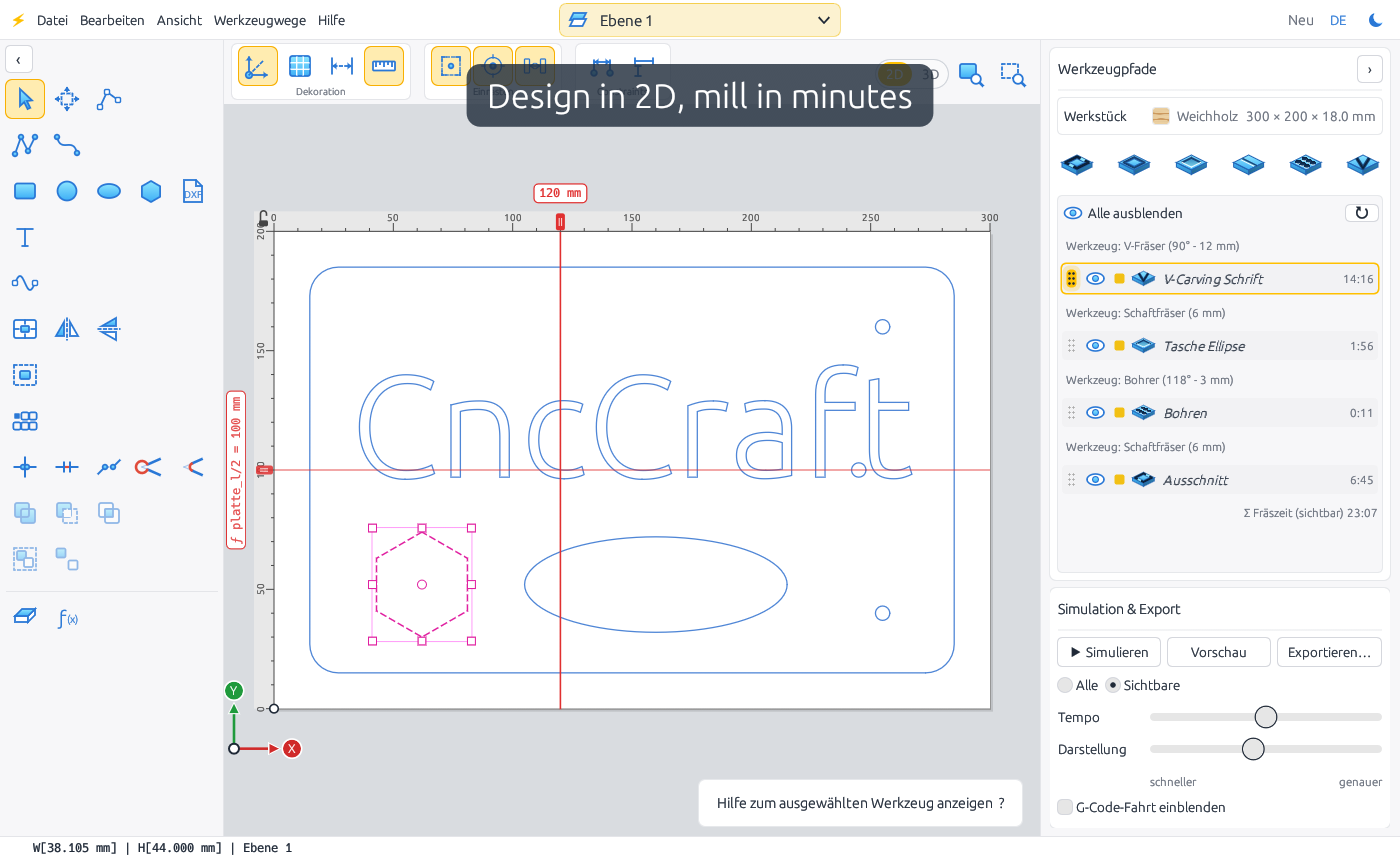
Check V-carvings in the 3D preview (Toolpath preview): there you see how deep the tips go and whether fine letters come out cleanly.