 CncCraft
Theme: light, dark or like the system
CncCraft can appear light or dark, or follow your operating system's theme.
In View ▸ Theme you choose between System, Light and Dark. Top right in the title bar a button (moon or sun) switches between light and dark. The choice is saved and used again next time.
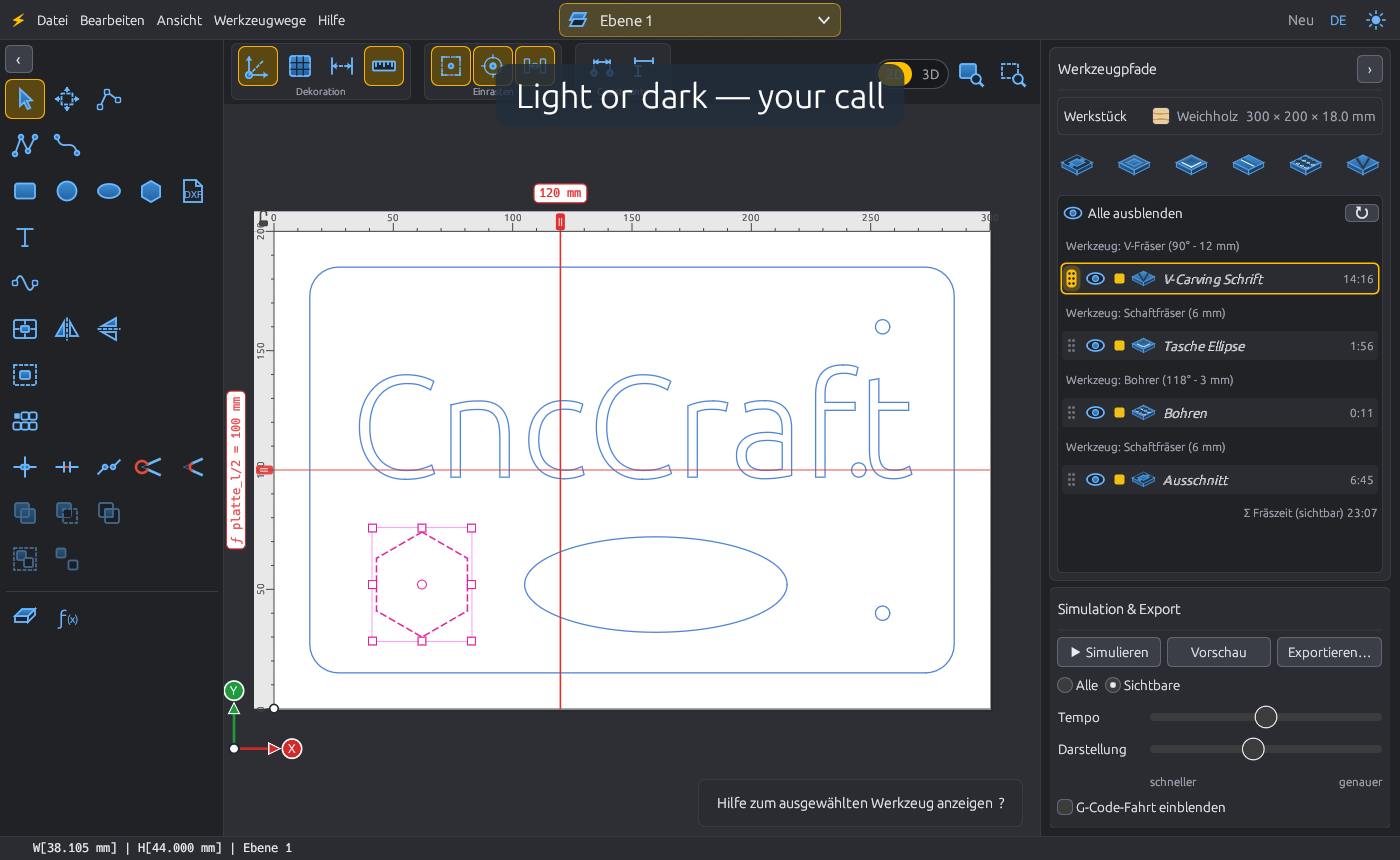
The drawing sheet stays light in both themes, so the colours of shapes and toolpaths look the same. Text, input fields and buttons are easy to read in both themes – an automatic test checks the contrast ratio of every surface.