ENDEOnline help
CncCraft
CAD + CAM · Free · for Mac, Windows and Linux

Parametric CAD/CAM for CNC beginners

Design (CAD) and generate toolpaths (CAM) in one program: CncCraft takes you from the first drawing to the finished G-code for your CNC router – with dimensions that think along, construction lines from the ruler, cutting values matched to the material and a preview in 2D and 3D. Free, no subscription and no account.

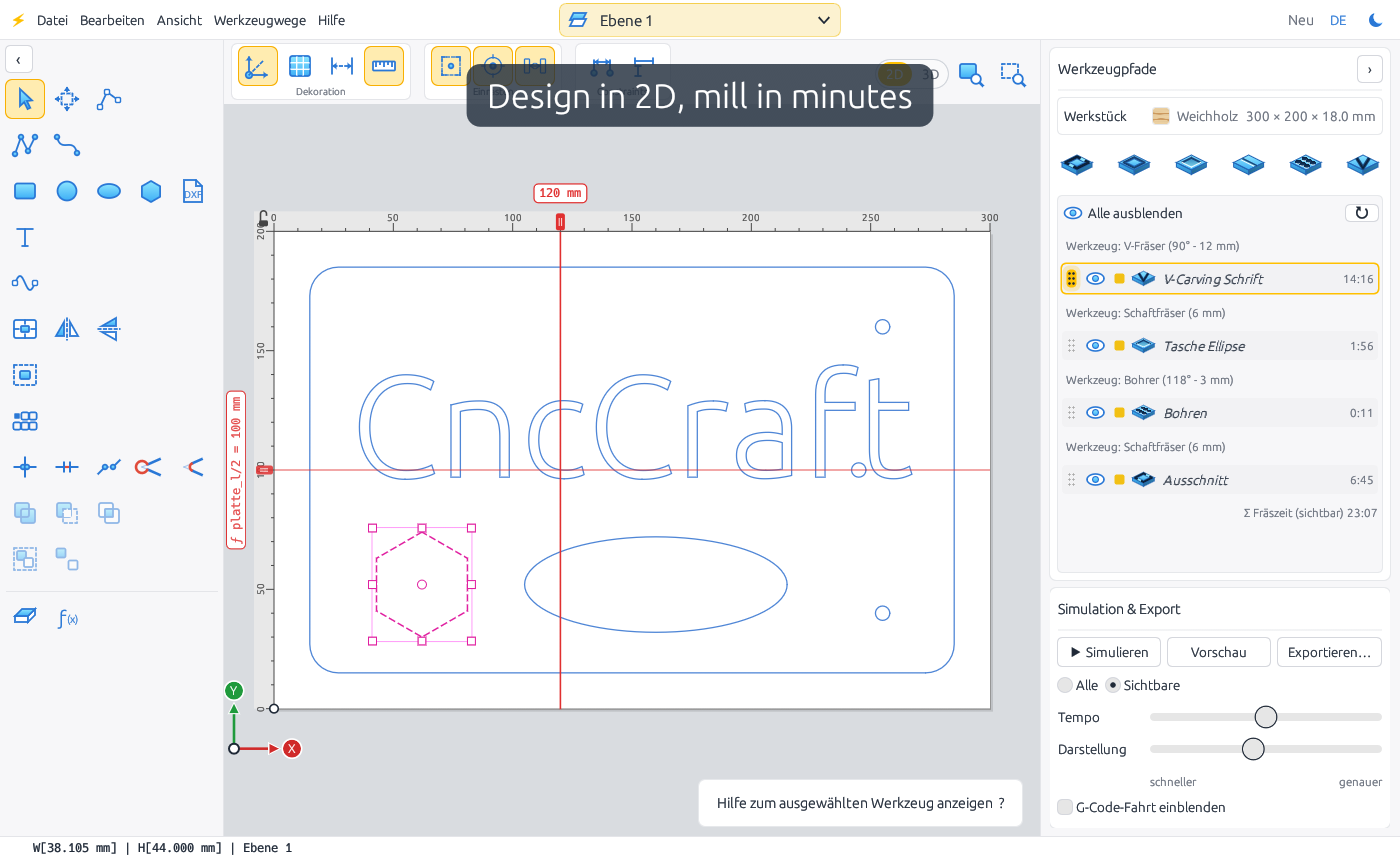
CncCraft: design with toolpaths
CncCraft: design with toolpathsLearn more →
1 / 22

Parametric

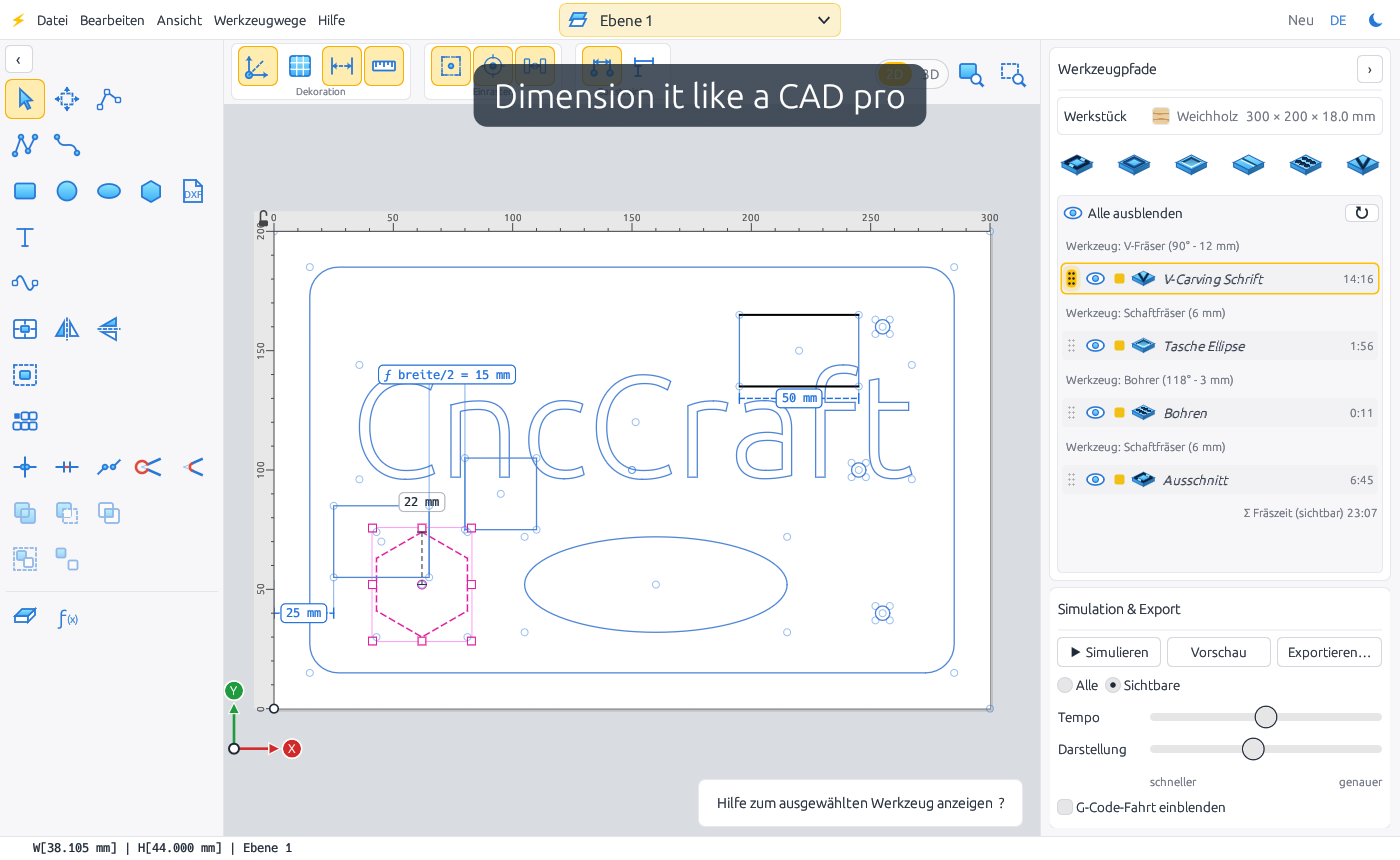
Dimensions as values, variables and formulas. Change one number and the whole design follows – all the way to the G-code.

For CNC beginners

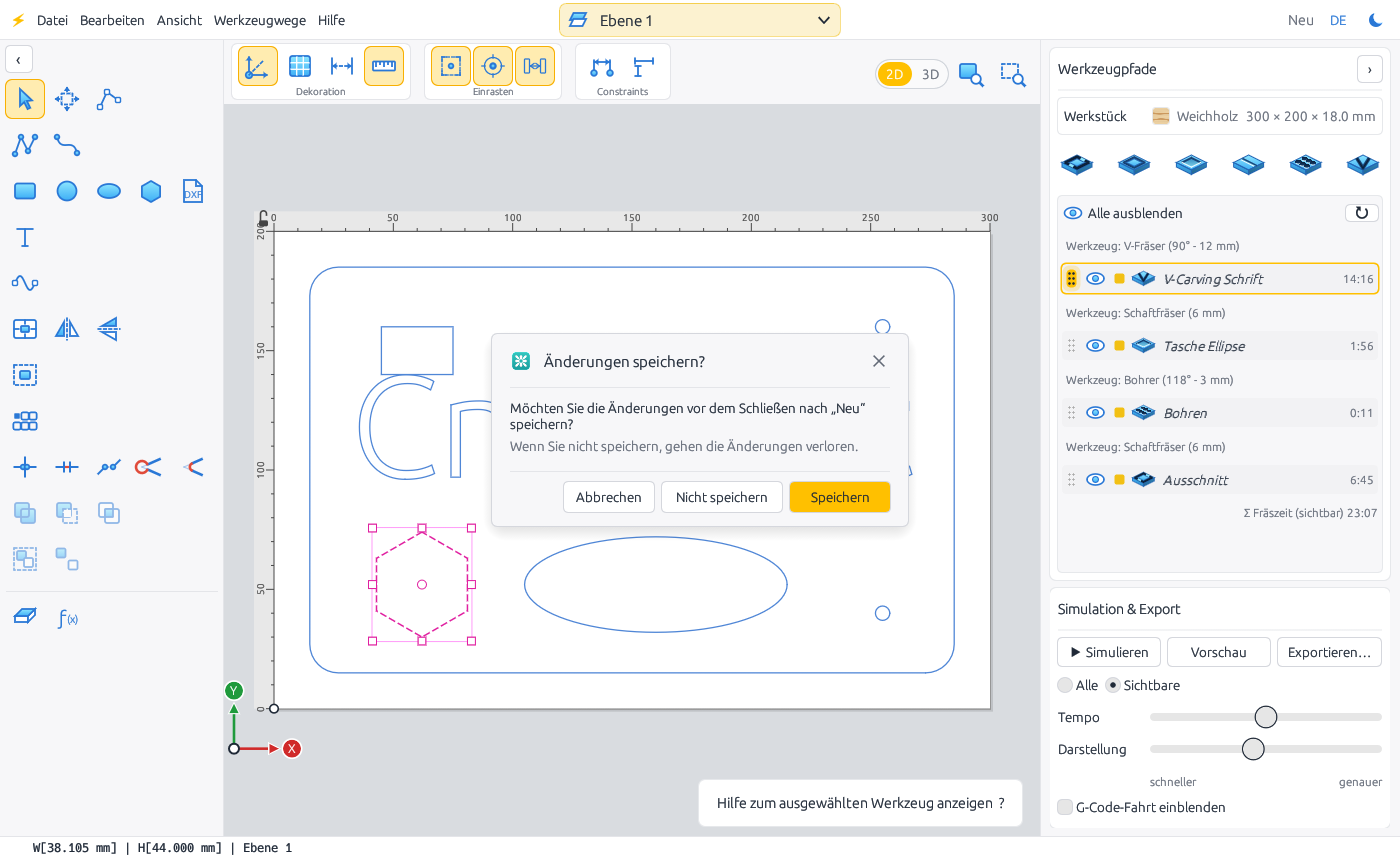
Few, clear tools with tooltips, material suggestions, warnings against cuts that are too hard, and undo for every step.

Free

No licence, no subscription, no account. Every feature is there from the start – for Mac, Windows and Linux.

Unfold your ideas

From the first sketch to the cut: all in one program.

Parametric design – no CAD degree needed

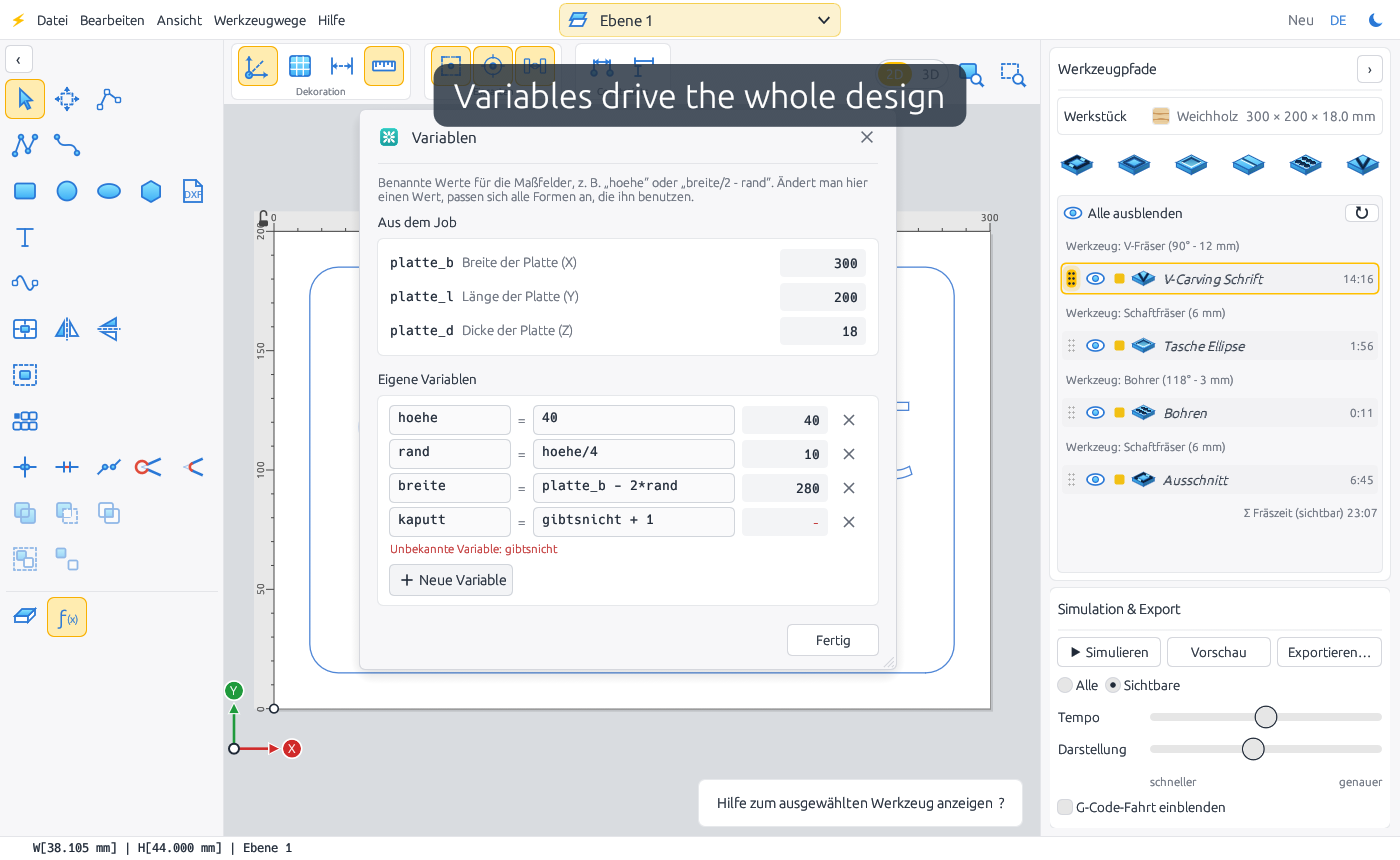
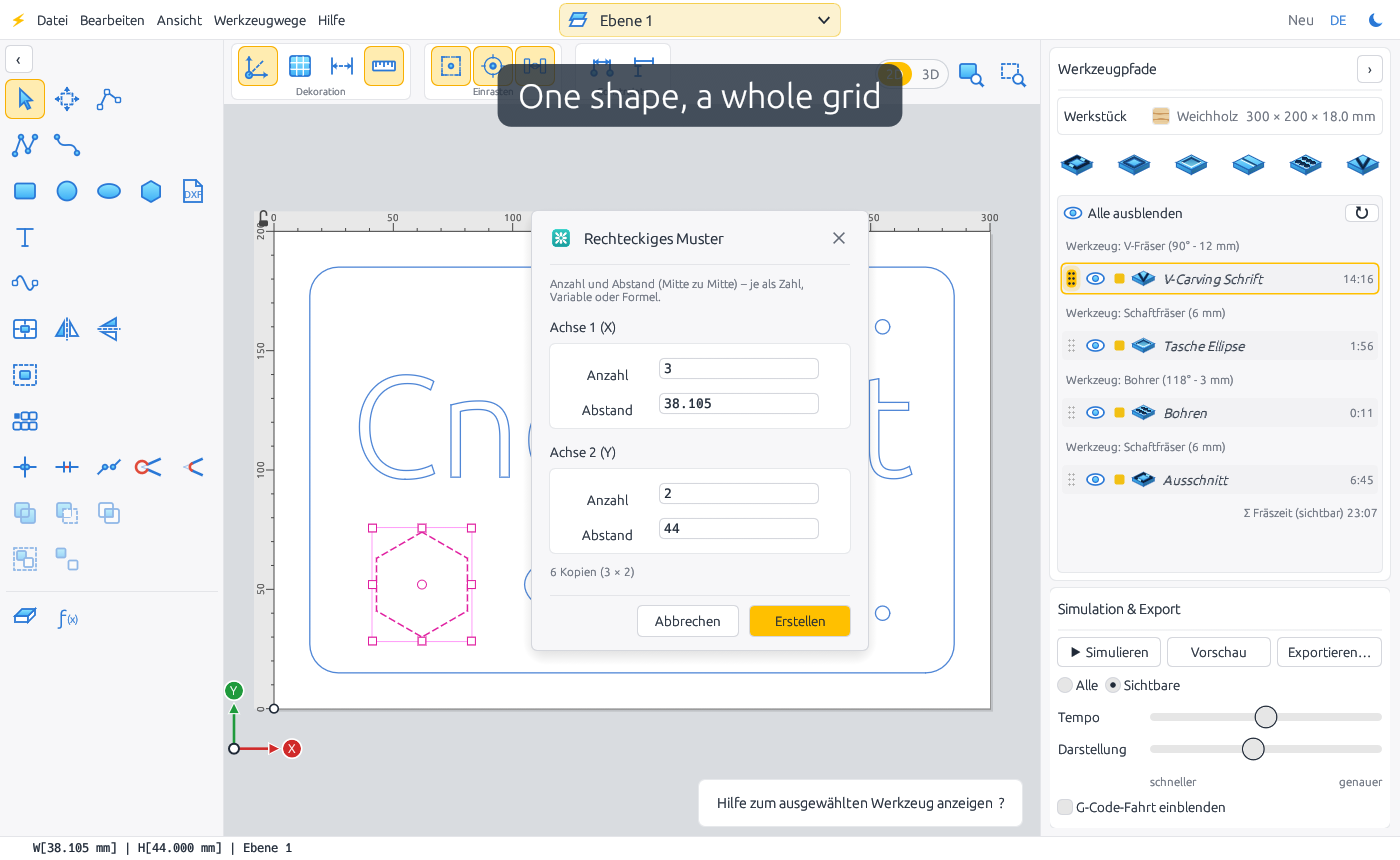
Create named values like “margin” or “width” and do the maths in any dimension field with formulas. Dimension distances and set lines level or upright – change a value and the drawing follows, and the toolpaths recompute on their own.
Learn more →

Variables and bound dimensions

Construction lines from the ruler

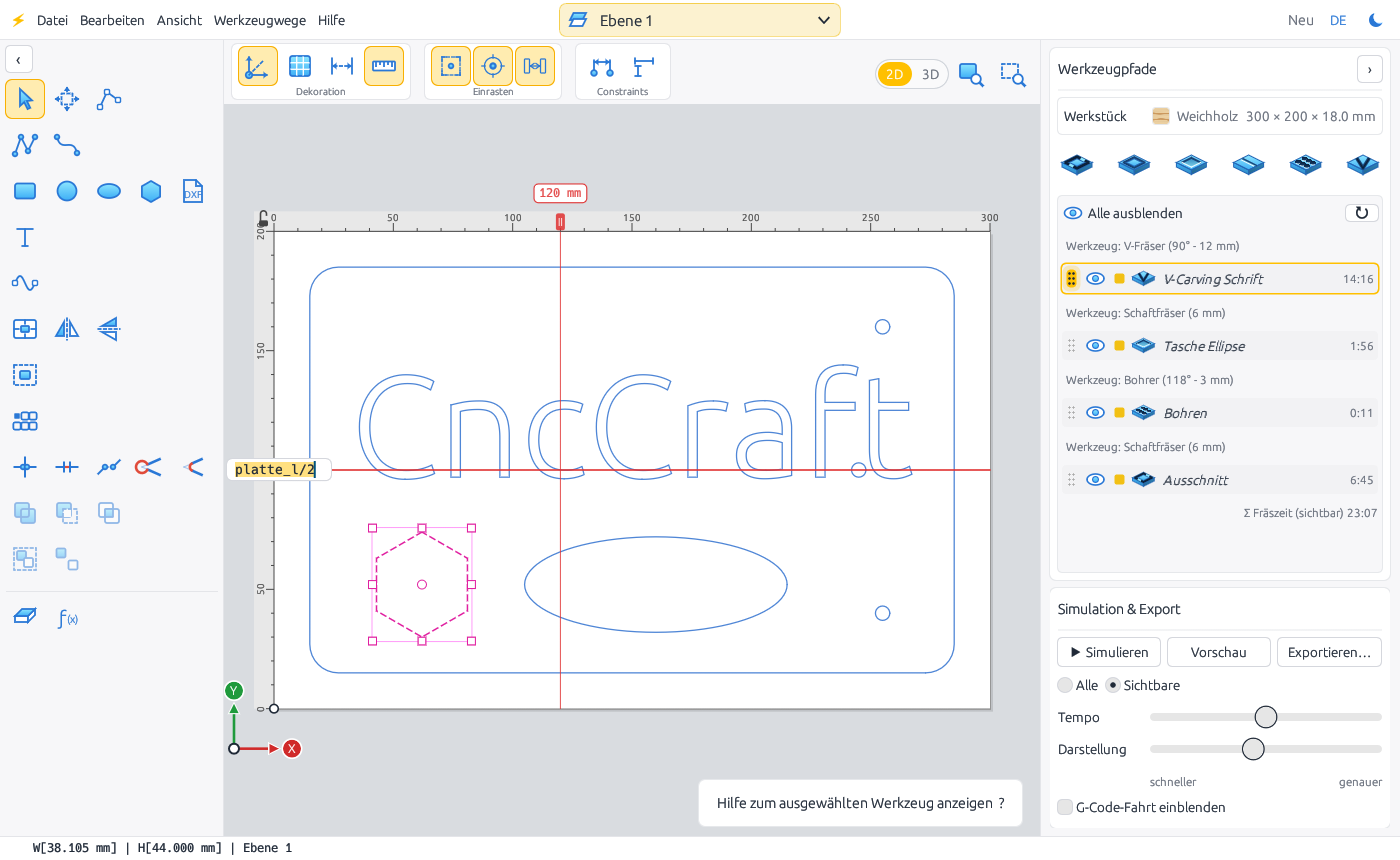
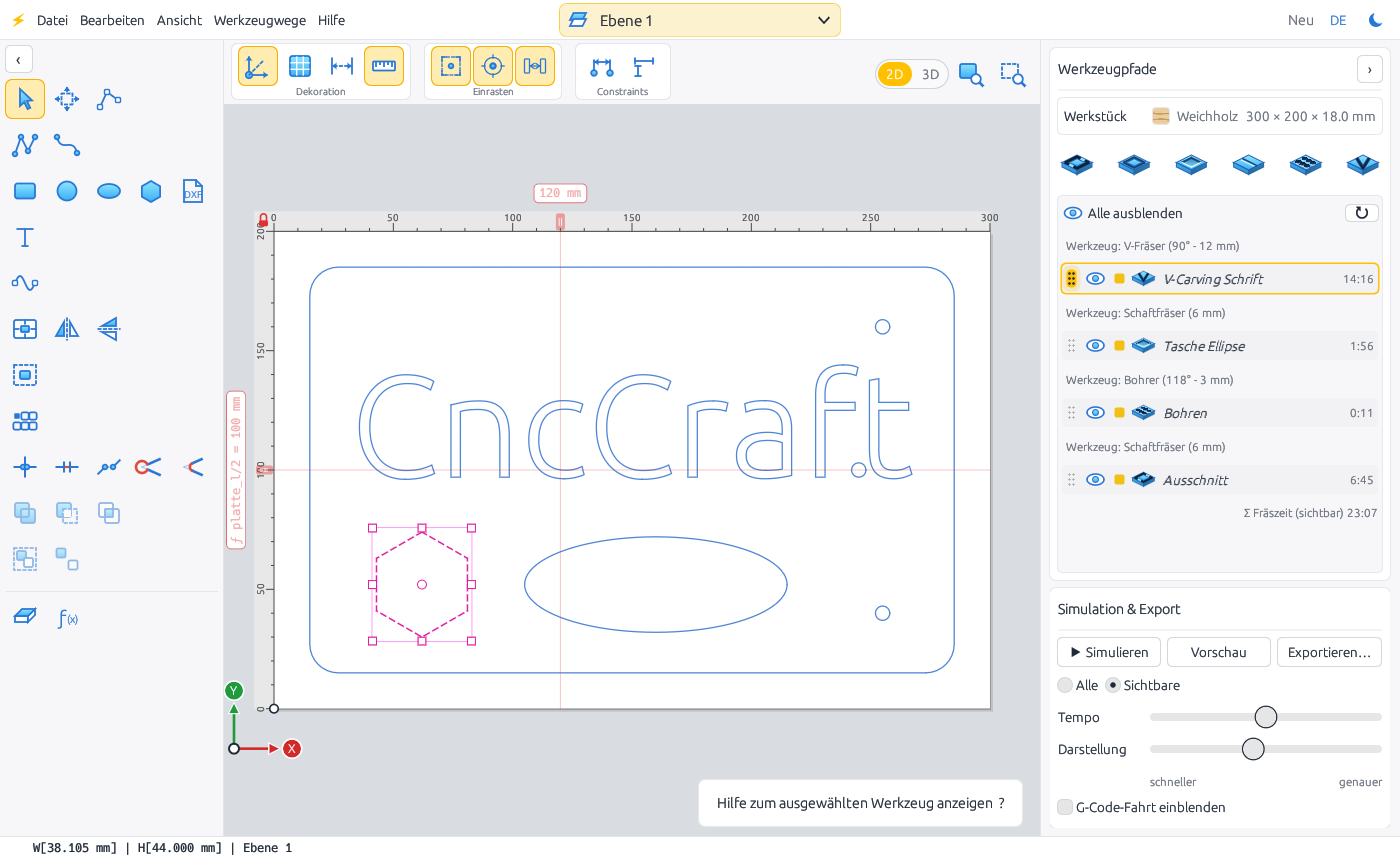
A click in the ruler sets a construction line. Shapes snap to it with an edge or their centre and stay attached: drag the line further – or give it a formula like “platte_b/2” – and the shapes move along. A lock protects all lines from being moved by accident.

Learn more →

Construction lines on the ruler, one of them with a formula

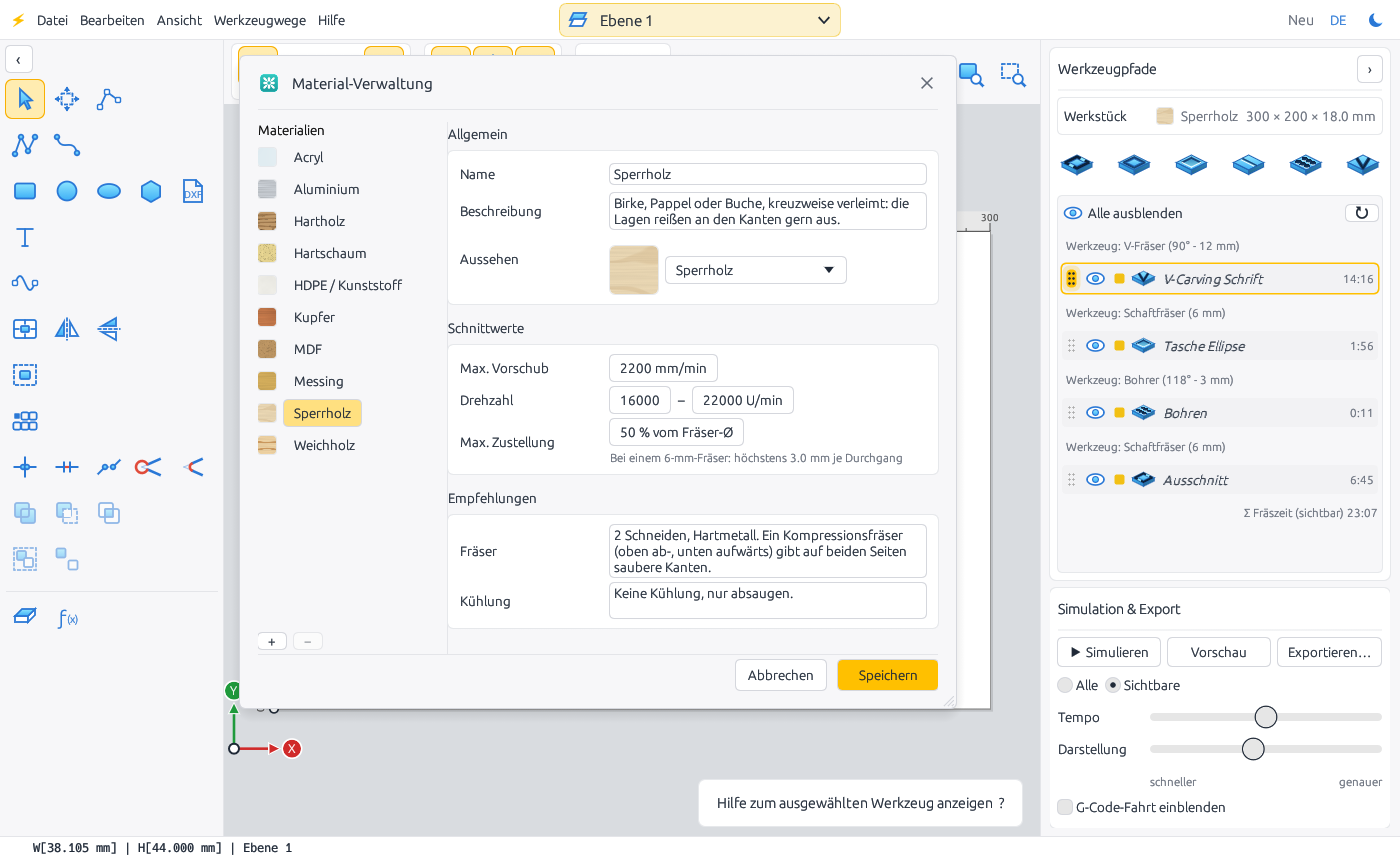
Values that match the material

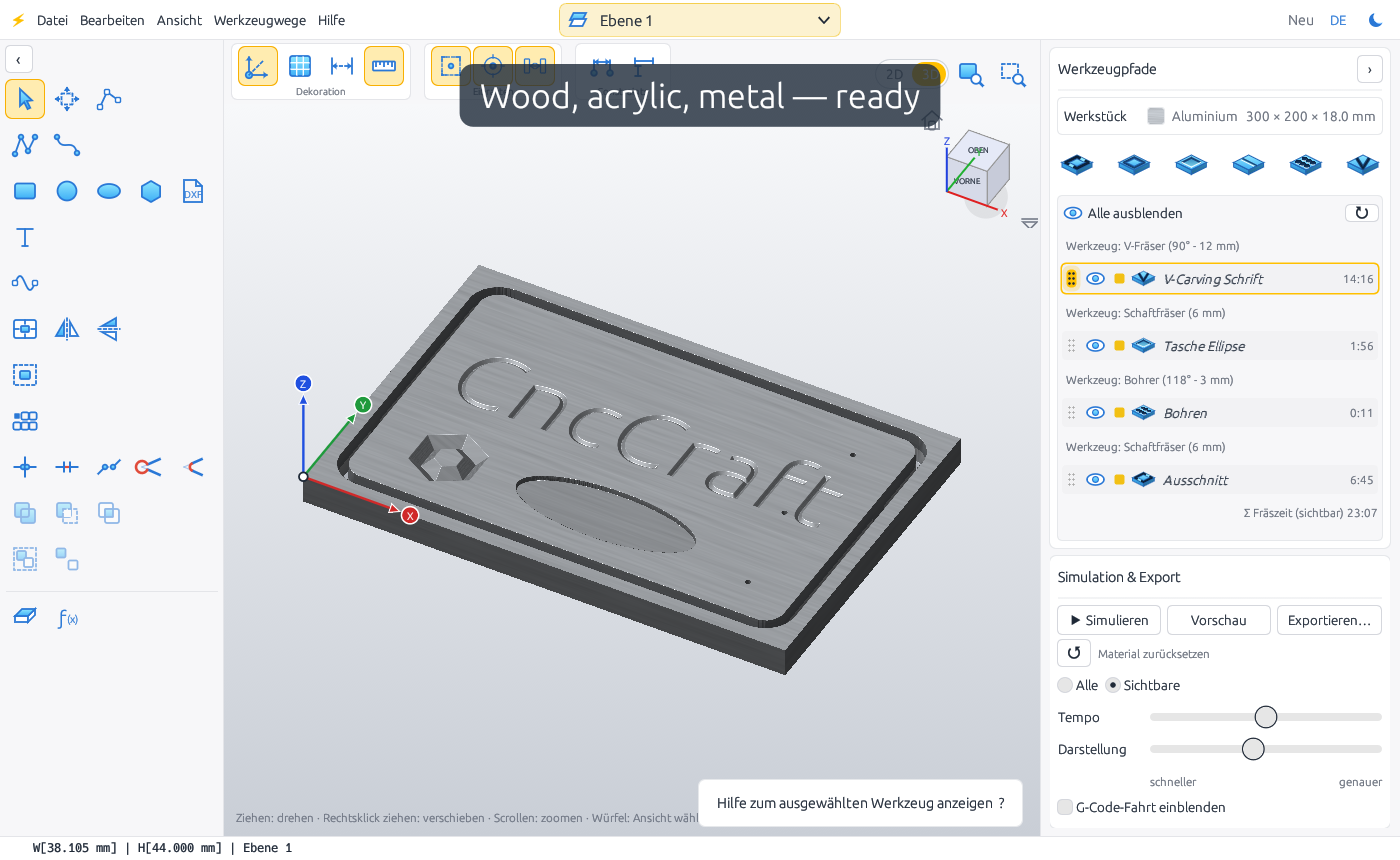
Ten materials from softwood to aluminium, each with recommendations for speed, feed, stepdown, cutter and cooling. If a value is too fast or too deep, CncCraft says so right under the field. In 3D the workpiece looks like the material.

Learn more →

An aluminium workpiece in the 3D view

2D design and editing

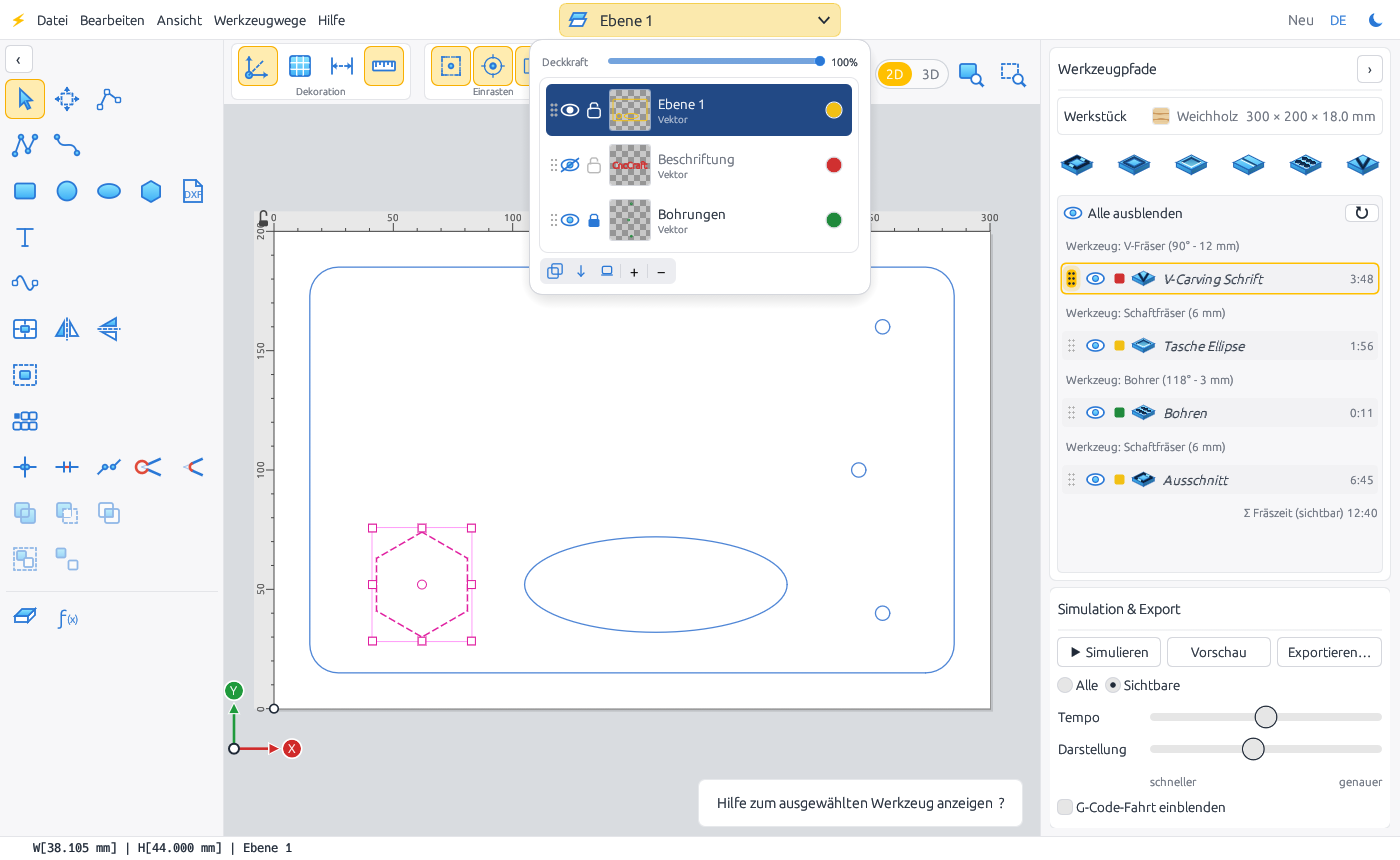
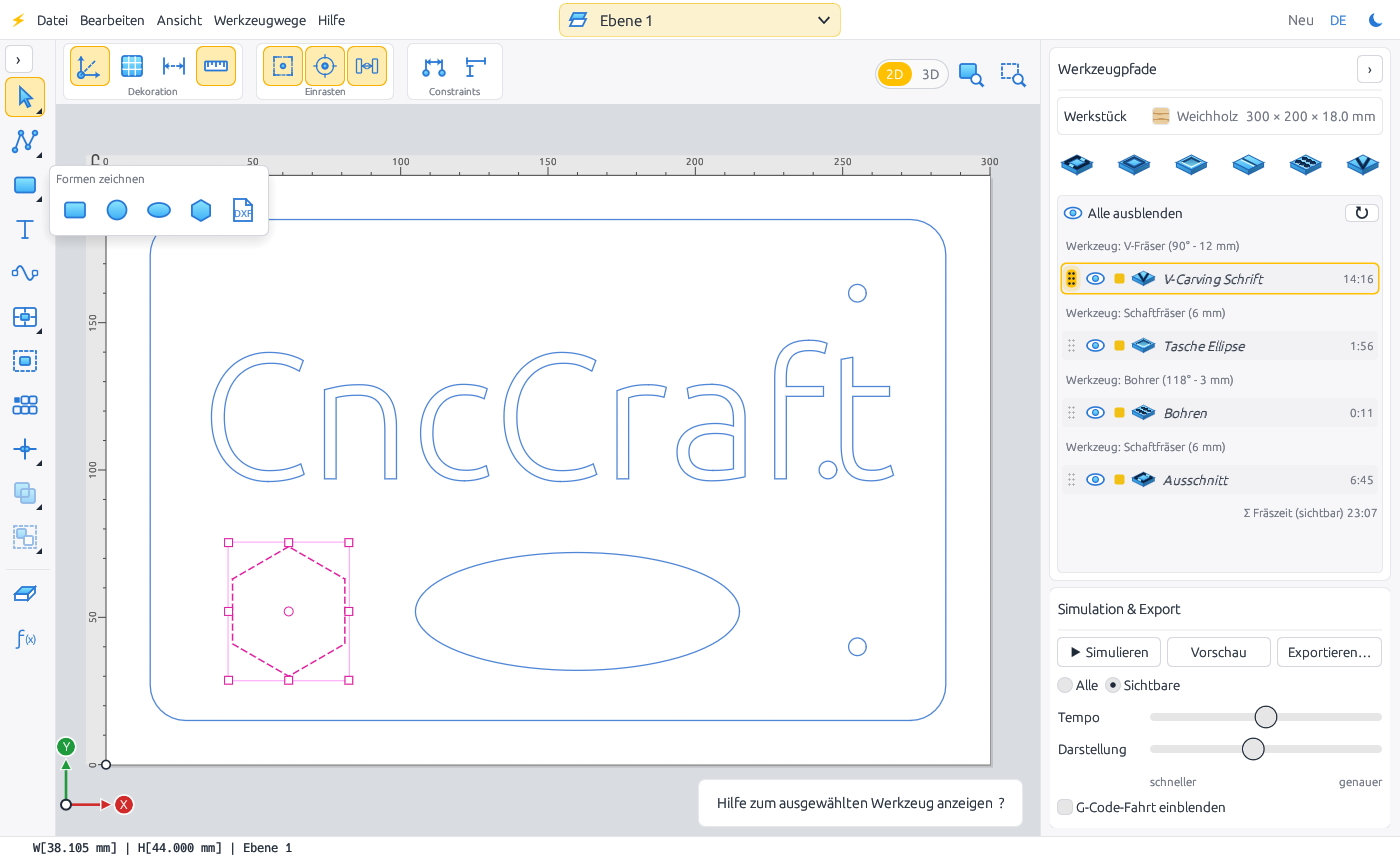
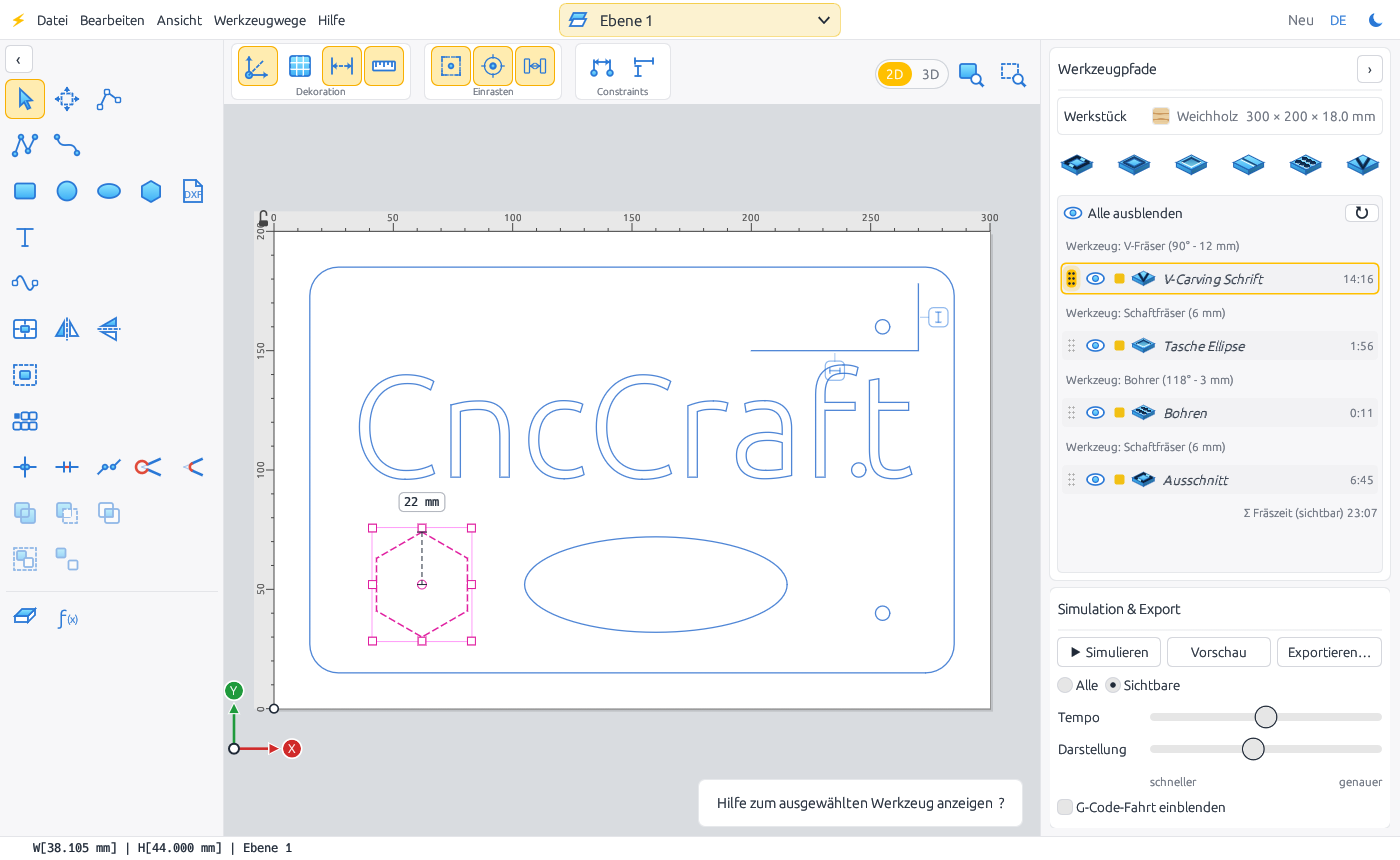
Draw lines, splines, rectangles, circles, ellipses, polygons and text, import DXF files, round corners and reshape vectors with offset, mirror, trim and boolean operations. Layers keep larger drawings tidy.

Learn more →

Layers keep the design tidy

Toolpaths for the router

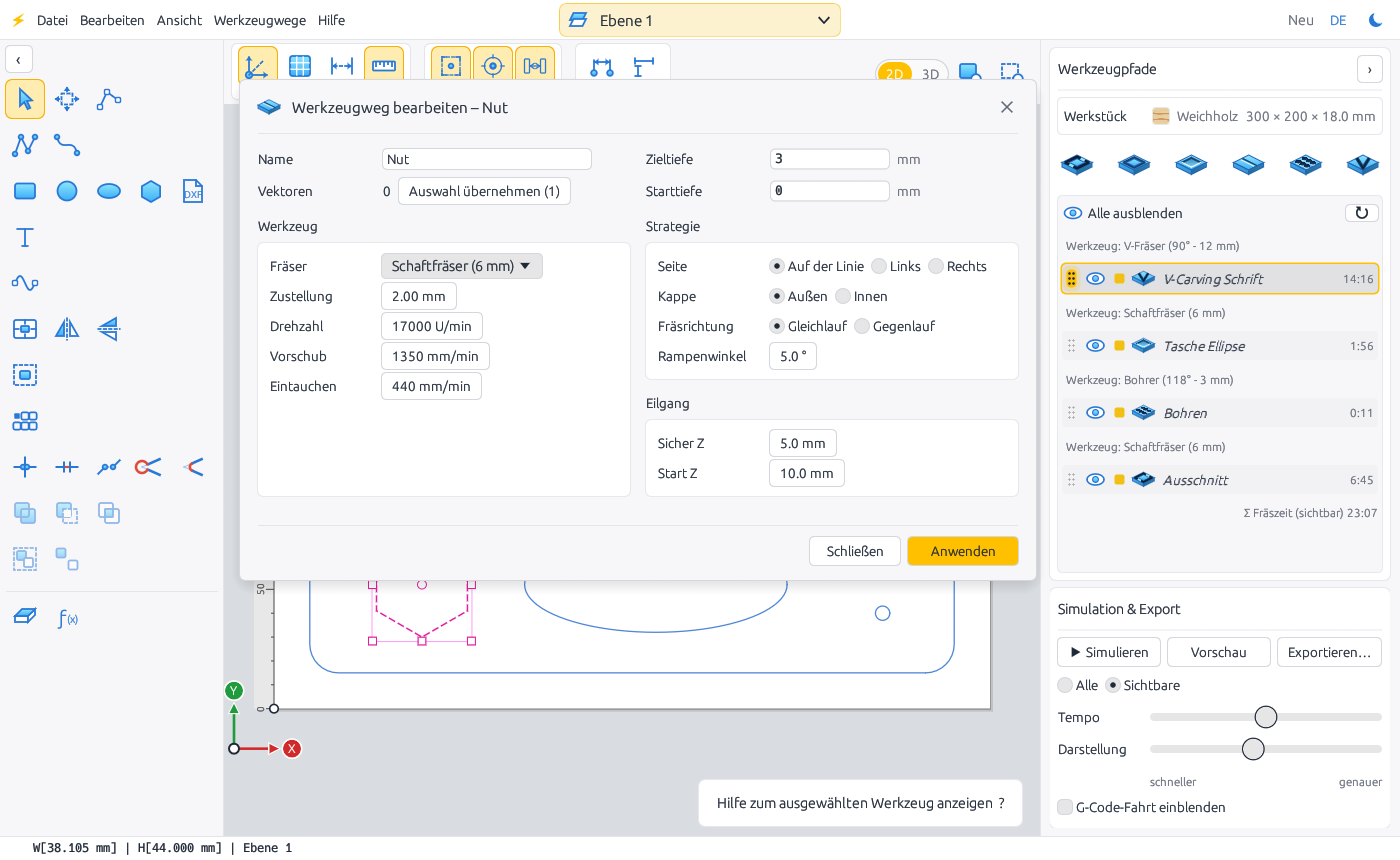
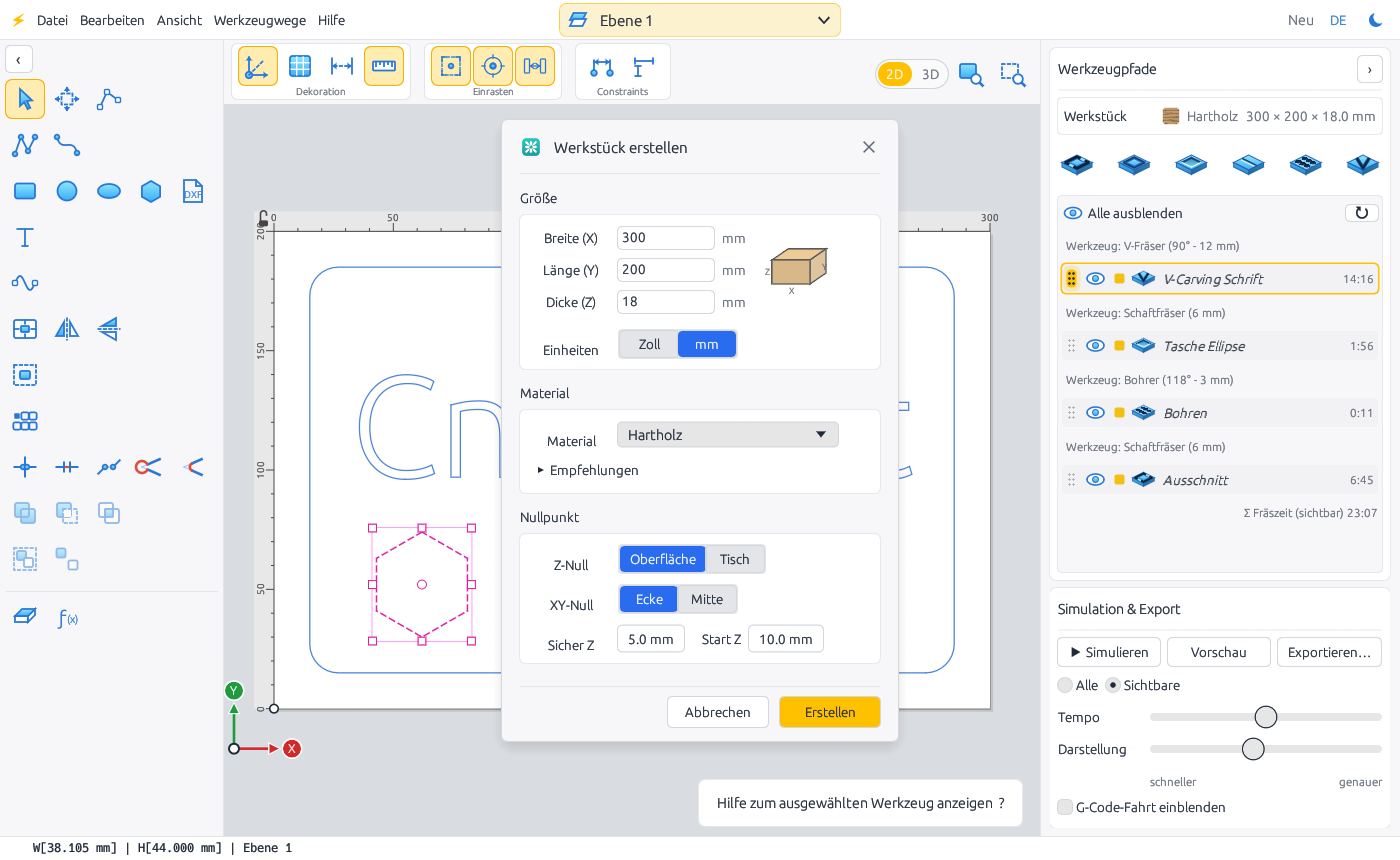
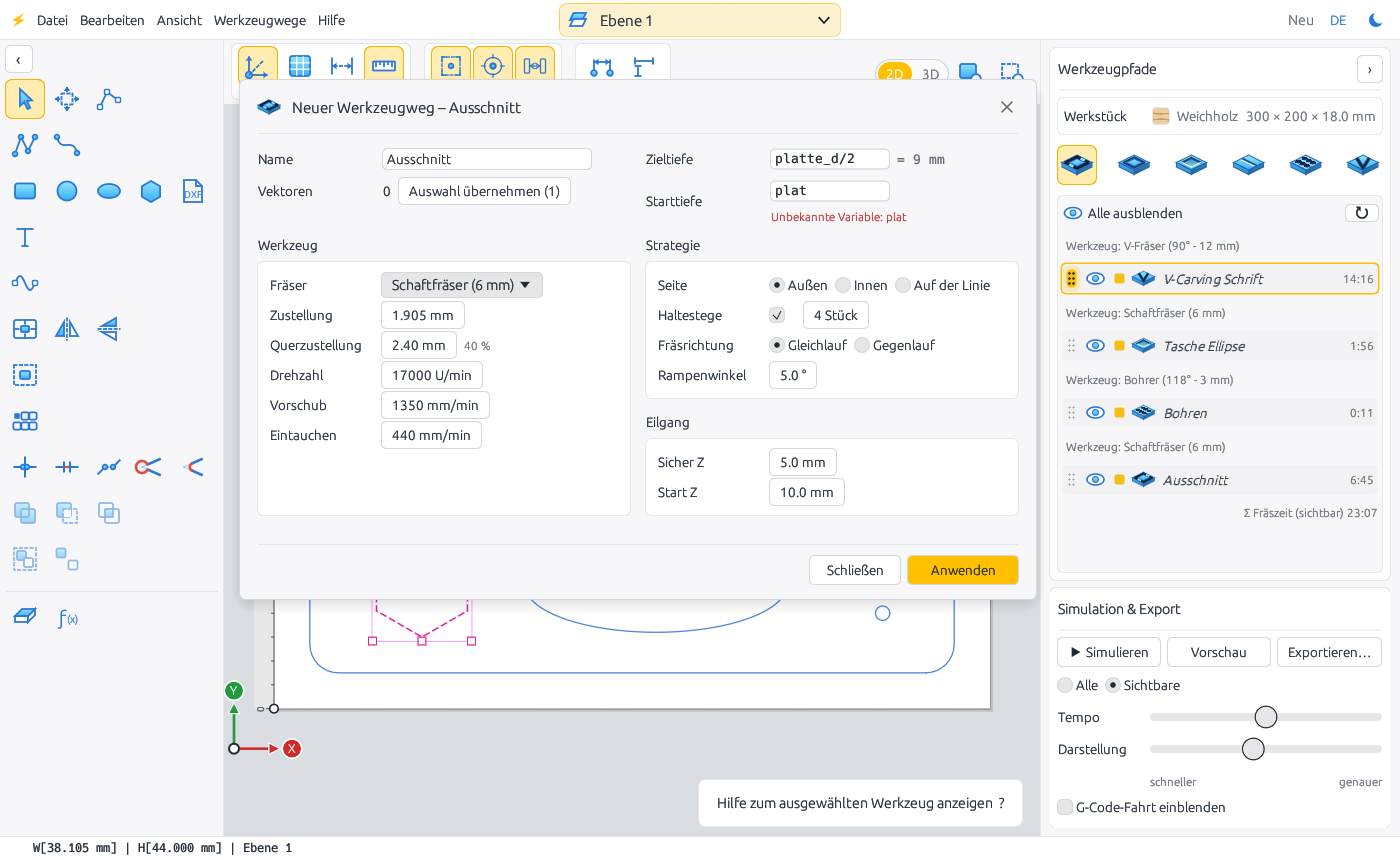
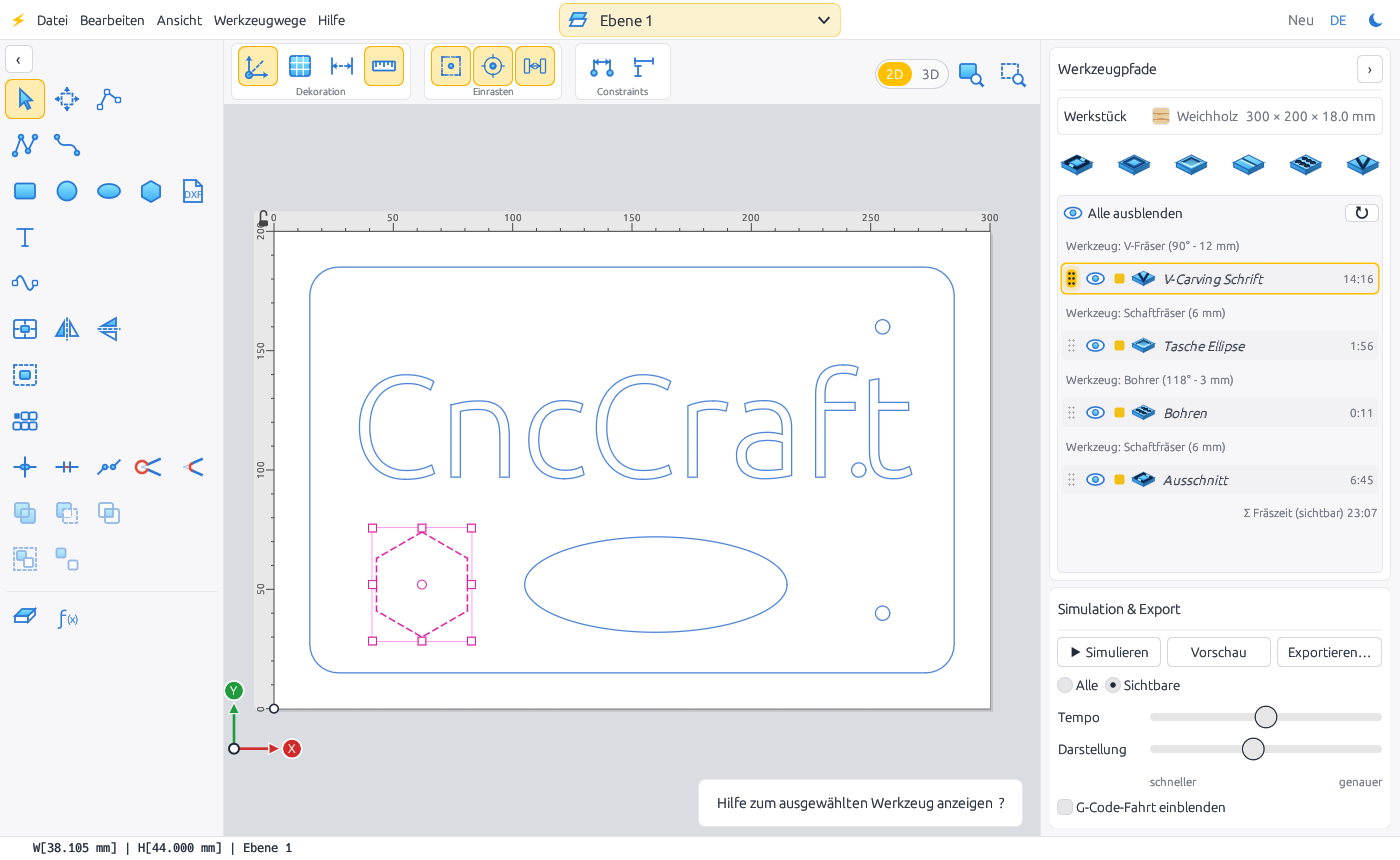
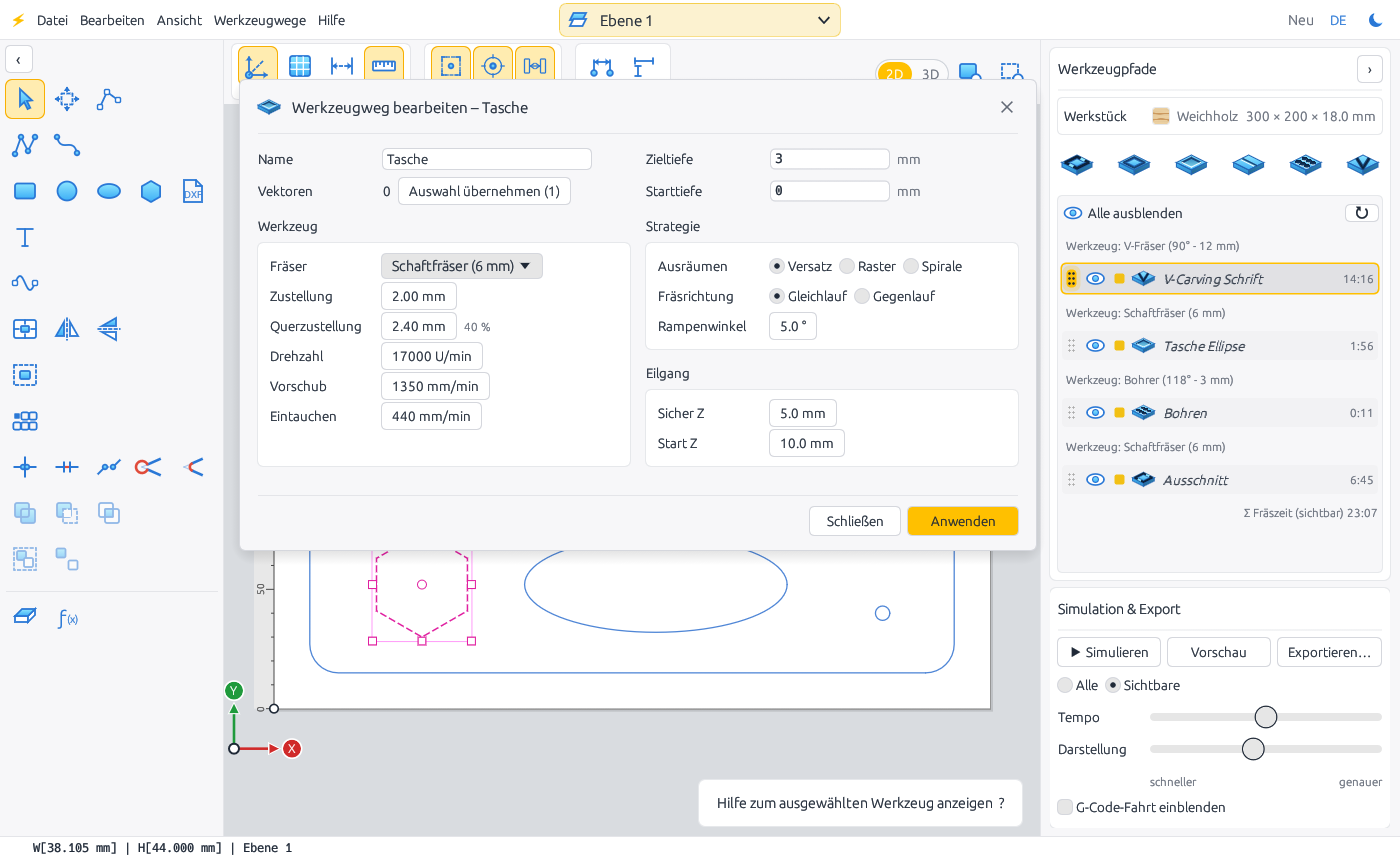
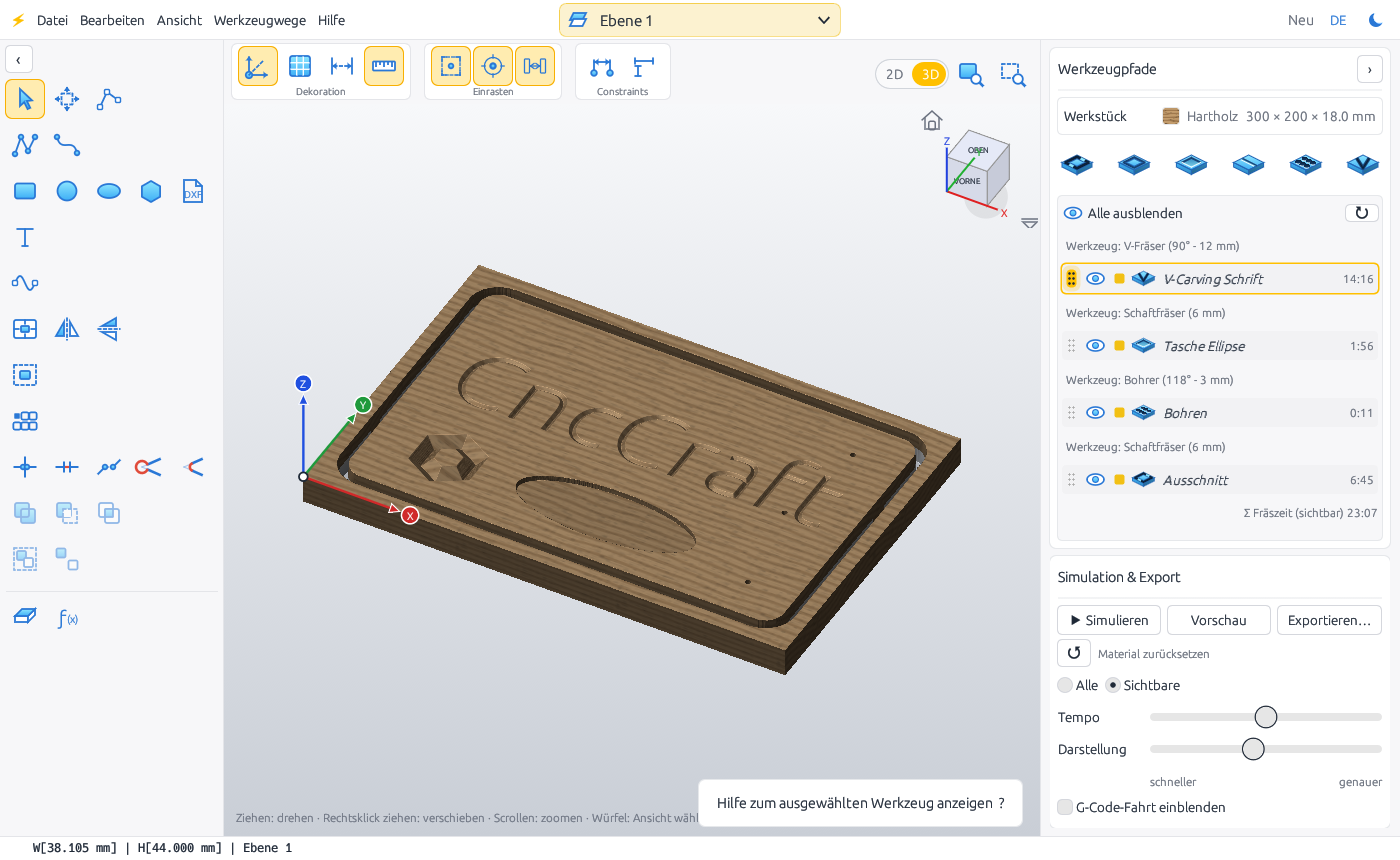
Profile, cut-out, pocket, slot, drilling and V-carving: pick a tool, enter the depths, compute. Tabs hold cut-out parts in place; small drawings in the tooltips explain each strategy.

Learn more →

A slot toolpath being set up

Preview in 2D and 3D

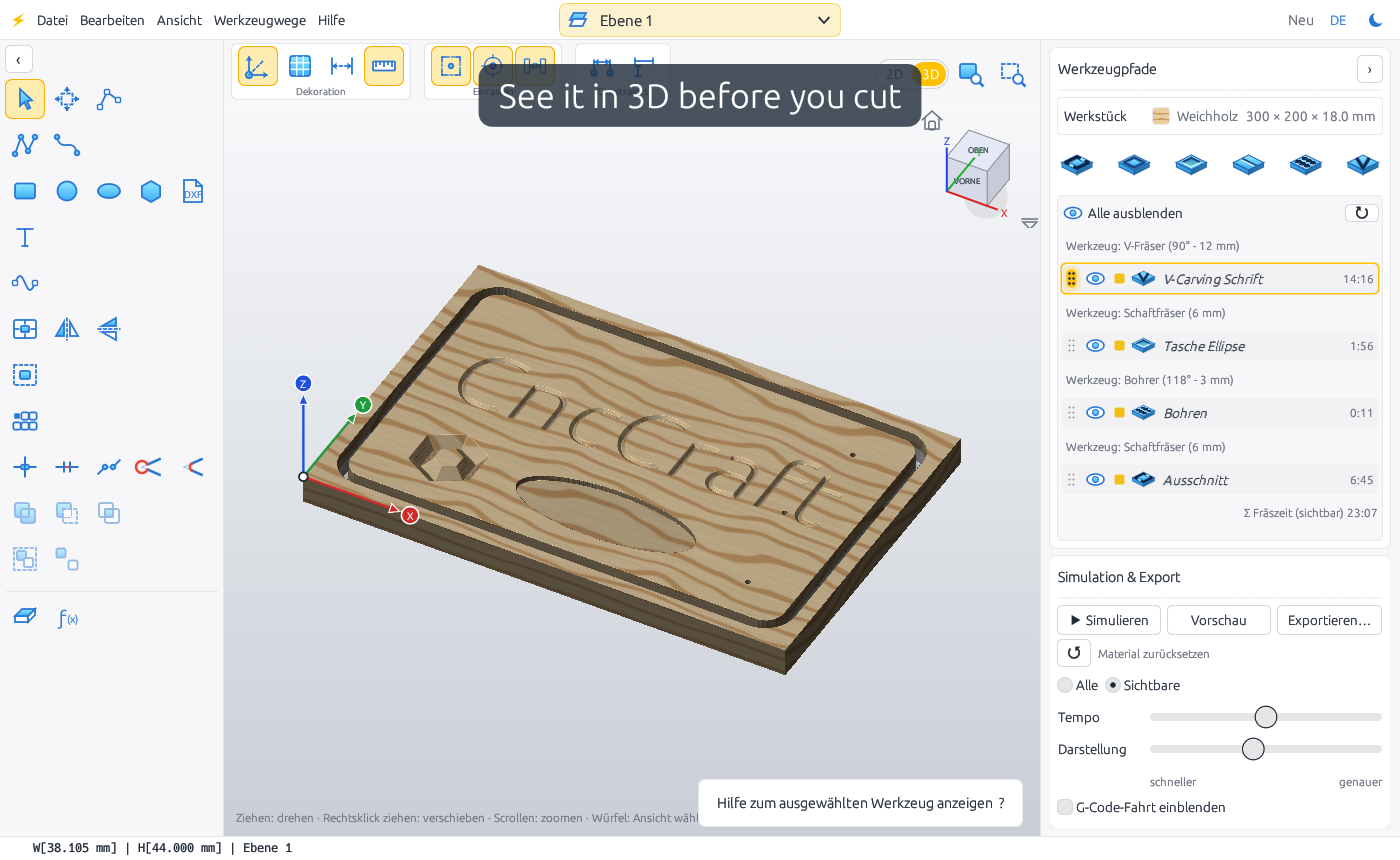
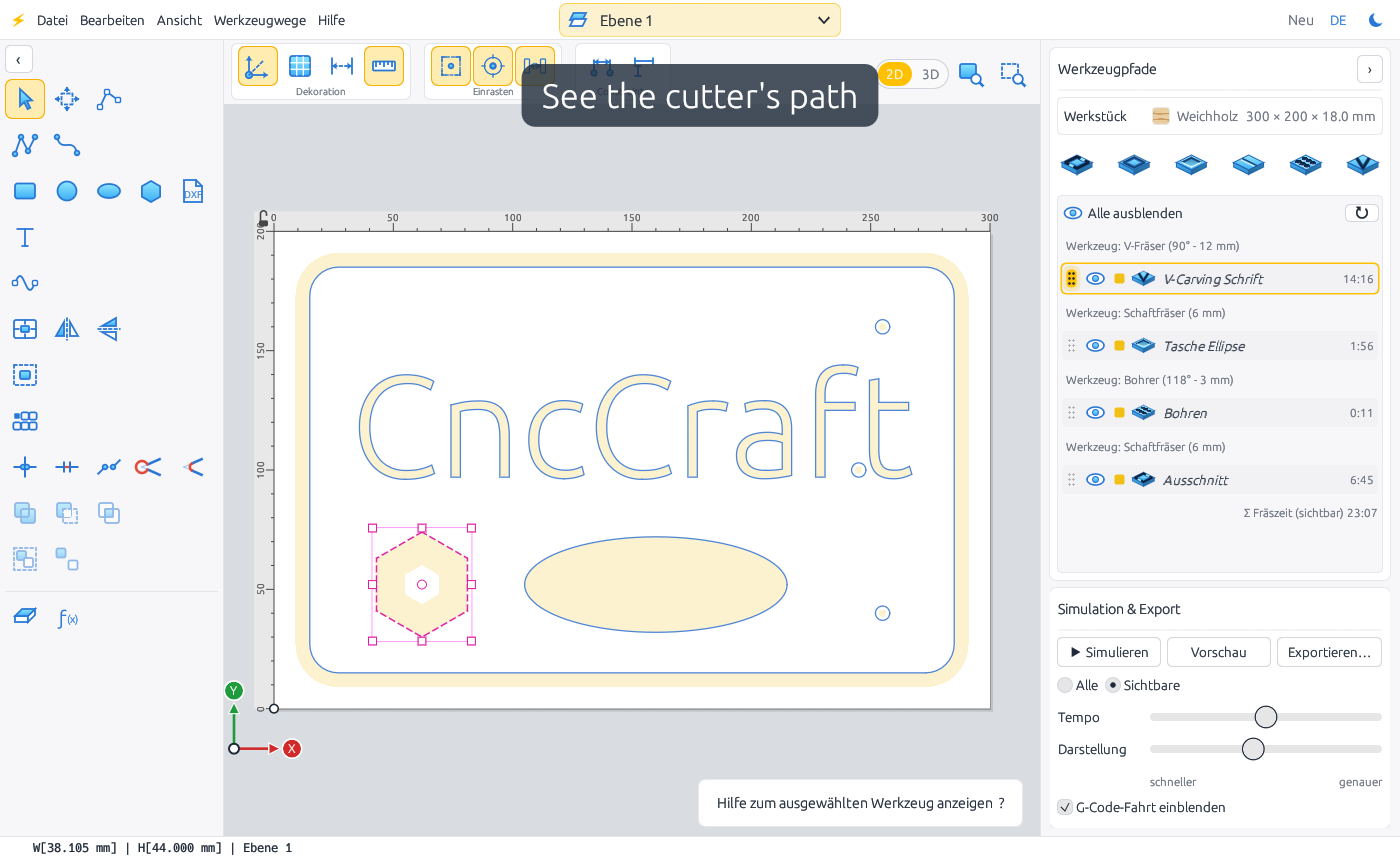
Play back the toolpaths and see on the workpiece what the router will remove – before any material is wasted. The view cube and the origin axis cross help you keep your bearings.

Learn more →

The 3D preview of the workpiece

Light and dark

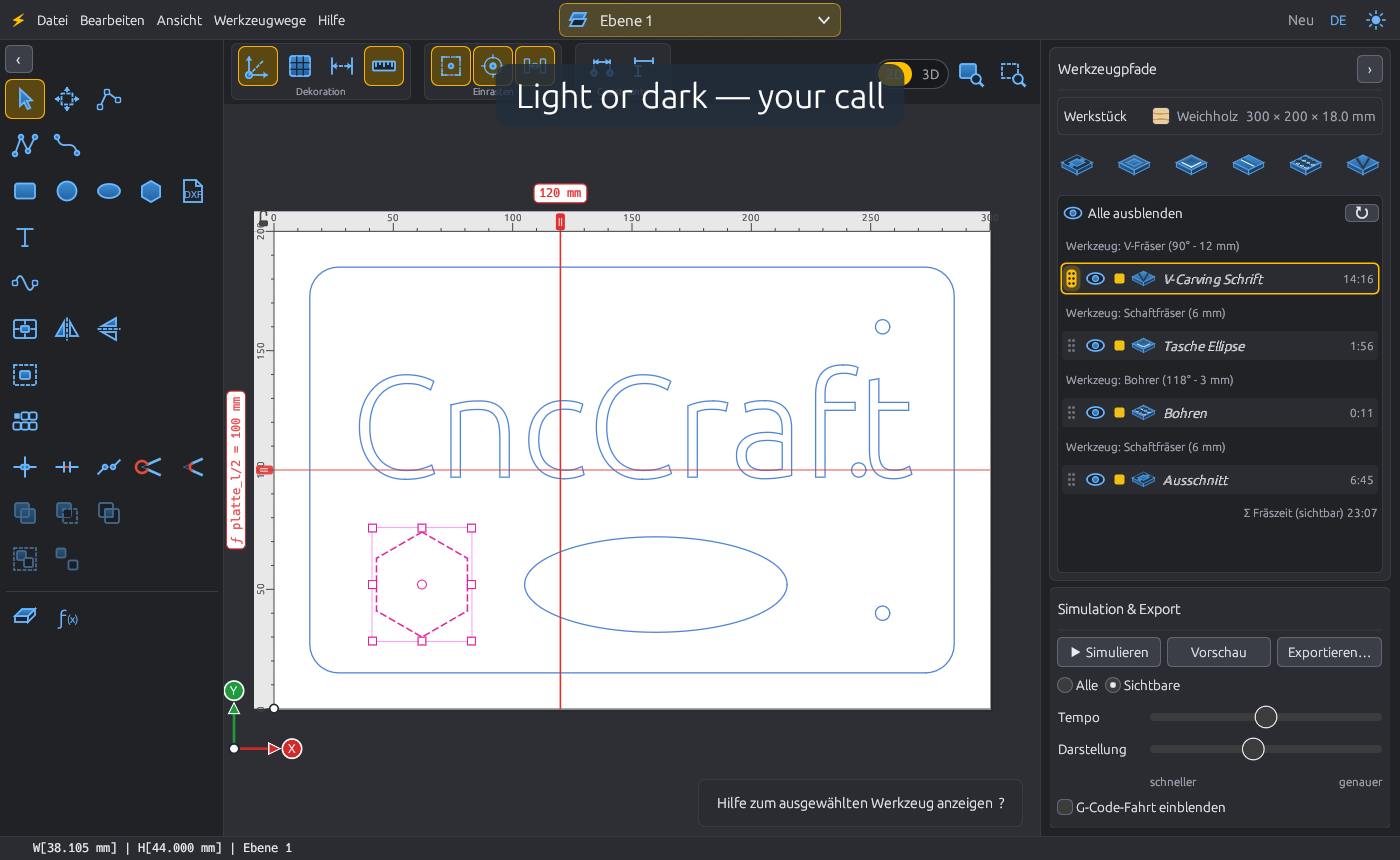
The program can follow your system's appearance or stay light or dark for good.

Learn more →

CncCraft in the dark theme

Features at a glance

Parametric

Drawing

Edit and combine vectors

CNC toolpaths

Output

Sister apps for your router

Free, right in the browser and with no install – from the same workshop as CncCraft.

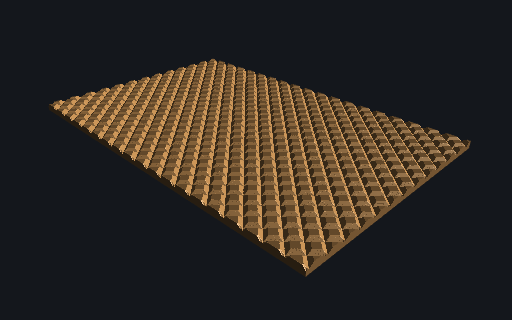
PatternMasterPatterns for your CNC router
3D preview in PatternMaster: a board with a milled diamond pattern

Pick a pattern, turn the sliders and see the workpiece in 3D at once. PatternMaster works out the toolpaths for you.

  • Diamonds, waves, honeycomb
  • 3D preview
  • No account
Try it now →
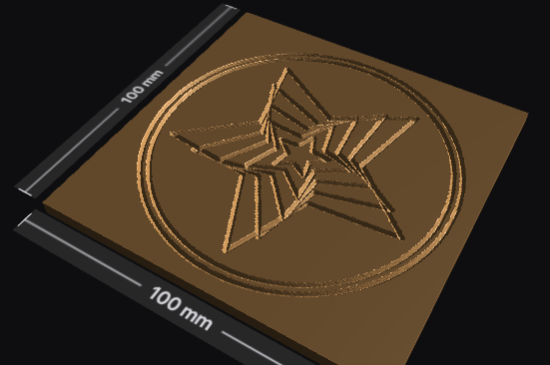
HoruCNCFrom image to CNC program
3D preview in HoruCNC: a milled star in a circle

Hold a drawing or photo up to the camera, pick a few filters and download the G-code for GRBL or Marlin.

  • Camera or image
  • 3D relief
  • GRBL & Marlin
Try it now →

Frequently asked questions

What does CncCraft cost?

Nothing. CncCraft is free – no licence key, no subscription and no account. Every feature is unlocked from the start.

Do I need CAD experience?

No. CncCraft is made for CNC beginners: you draw like in a simple drawing program and make dimensions parametric only when you need to. Every step can be undone, and every tool explains itself with a tooltip.

What does “parametric” mean?

A dimension is a value you can change later – and everything tied to it follows: shapes, distances, construction lines and toolpaths. So a design fits another board size with a single number.

Does CncCraft run on my computer?

Yes, if you have a Mac (macOS 12 or newer, Apple Silicon or Intel), a Windows PC or a Linux machine. How to build and install the program is under “Installation”.

Is CncCraft compatible with my router?

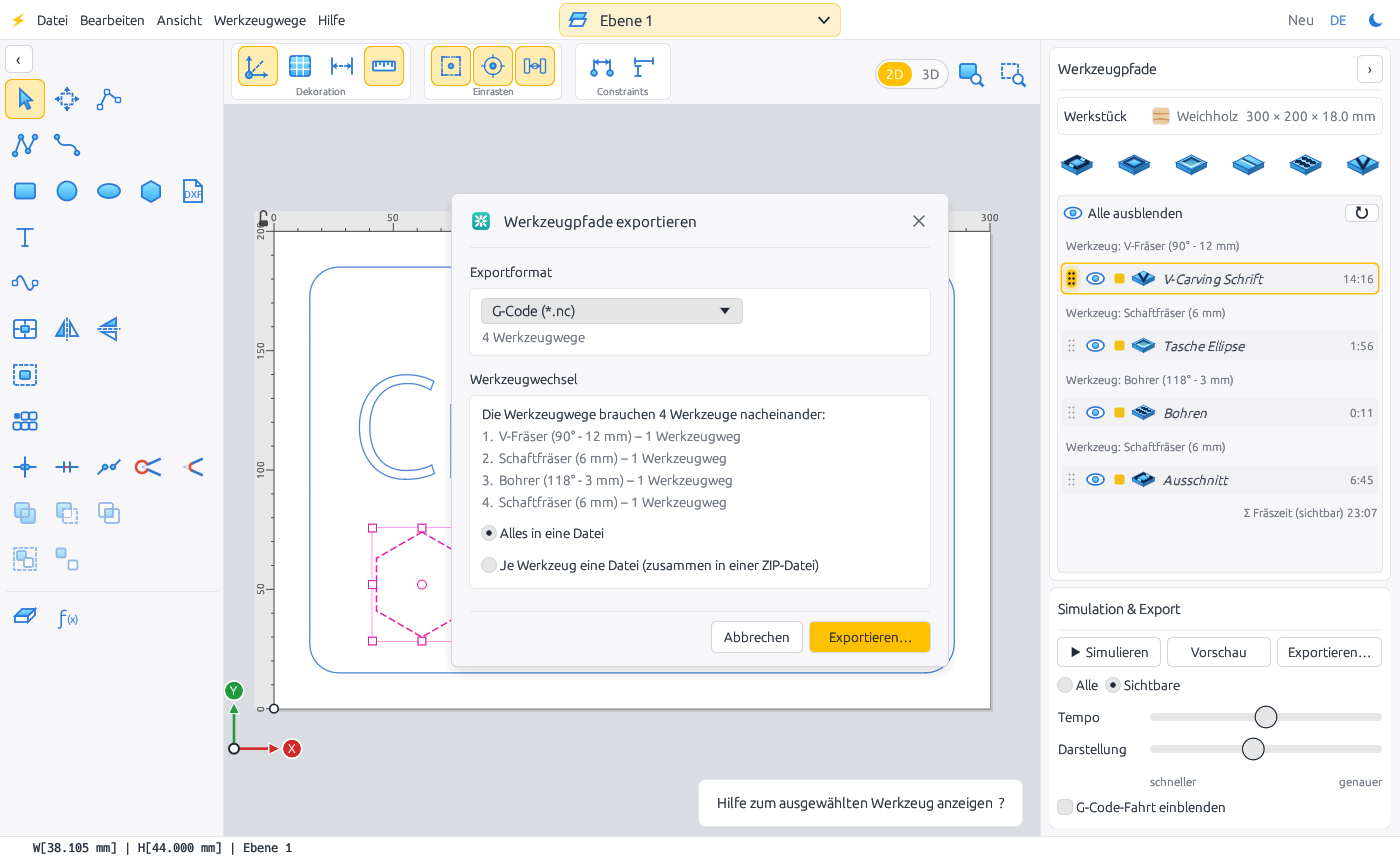
CncCraft writes standard G-code in millimetres or inches and a GRBL dialect. Most controllers that read G-code cope with it. Always check the first file with the preview and a test cut in scrap material.

What format does CncCraft save in?

Projects are saved as a .cnccraft file (text format). For the router CncCraft writes G-code with the extensions .nc, .tap or .gcode.

Where do I find help on a feature?

In the help. The search at the top finds pages by keyword, and the / key jumps straight into the search box.

The help

Every feature is described – with pictures from the program. To the online help →