 CncCraft
Formulas in dimension fields New in CncCraft
Every number field does the maths: arithmetic, brackets, powers and variables.
In every dimension field – width, height, radius, position, constraint values and the start and cut depths of toolpaths – you can type a formula instead of a number.
What is allowed
| Notation | Meaning |
|---|---|
+ - | Add, subtract |
* × · | Multiply (the letter x is not a times sign, so it can be a name) |
/ ÷ | Divide |
^ | Power (2^3 = 8; 2^3^2 is evaluated from the right) |
( ) | Brackets |
12,5 or 12.5 | Decimal (comma or point) |
breite, {Rand links} | Variable (Variables) |
Multiplication before addition applies as usual. A = at the end evaluates the formula at once and replaces it with the number.
Bound dimensions
If a dimension field holds a formula with variables, the dimension is bound: change the variable and the shape adapts. In that case:
- The lower-left corner of the shape stays fixed; the top or right edge moves.
- The handles of a bound direction are locked (blue diamonds). Drag the free direction and only it changes.
- Change the value by hand in the form, or move nodes, and the binding is released.
Typing a width or height on a rectangle or ellipse is technically the same as a distance constraint from the lower-left corner: the side is then fixed and drawn black; free sides are blue.
Errors
If a formula is invalid or uses an unknown variable, the field turns red and names the reason (“Unknown variable: …”). While the field is invalid, Enter does not close it – Esc discards the entry.
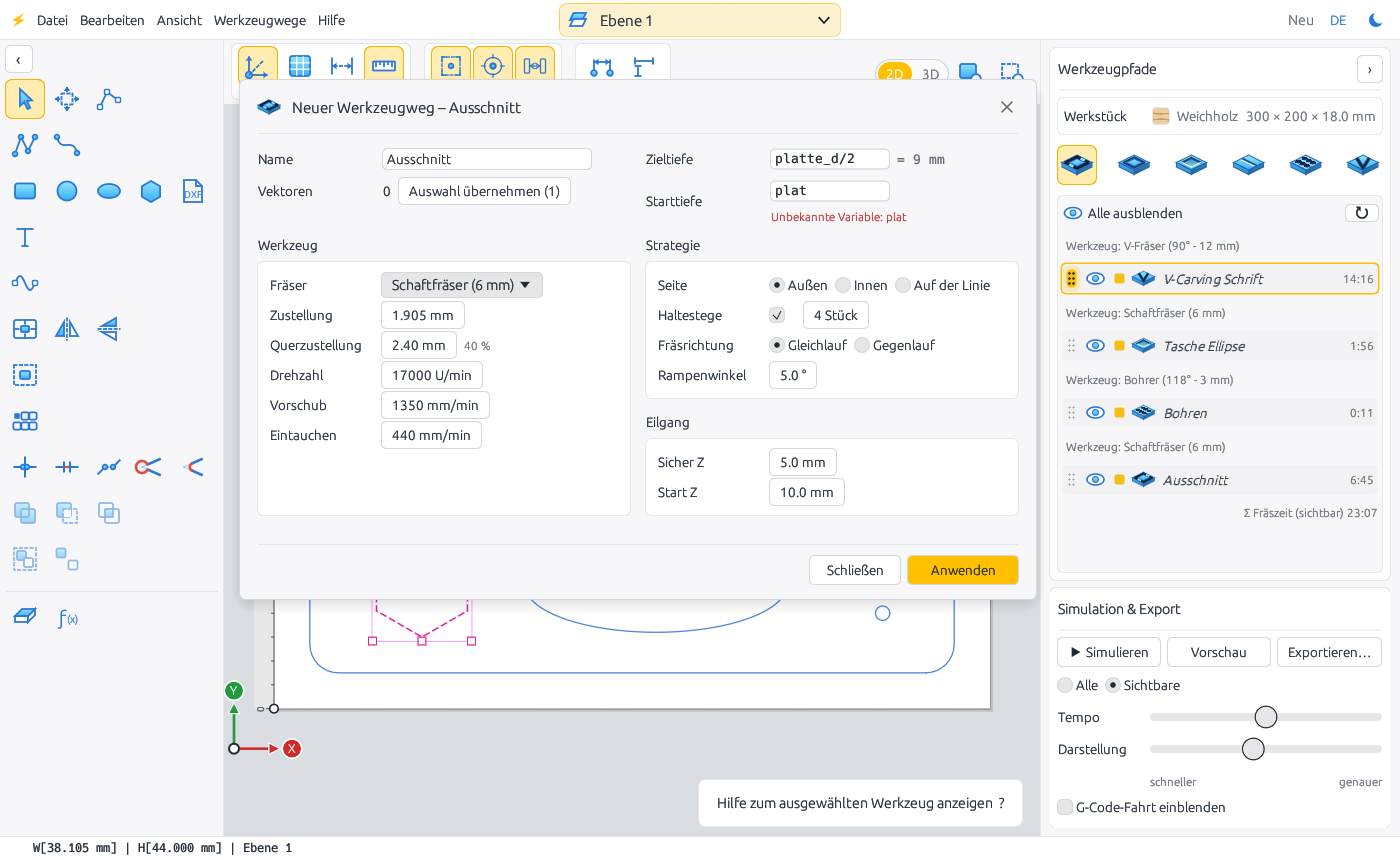
With the formula platte_d as the cut depth, a cut-out always cuts exactly through the material – even if you change the thickness in the job later.